LocoWin App Review: Mobile Web App for Android and iOS
Review Checked on
The LocoWin web app is the casino’s mobile site saved to the home screen: it works on both Android and iOS devices and runs under a licence from the Kahnawake Gaming Commission. Inside, players get sports betting, a classic casino and a live casino in one place. The operator supports more than 10 international payment systems and lists 8 current promotions, while new customers can claim a welcome package of up to €1,850 + up to 500 FS over the first 5 deposits (first deposit: 100% up to €350).
a casino section with a large game library: slots, live, crash and table games;
a sportsbook covering a wide range of sports and esports;
cashback open to every customer;
comfortable access to LocoWin’s services wherever you are;
technical support through Live Chat and email.
LocoWin App Overview
The home-screen version of LocoWin keeps every feature of the full website, with nothing stripped out. The key details of the platform are collected in the table below.
Licence
Kahnawake Gaming Commission licence
Developer
Starscream Limited
Operating Systems
Android and iOS (via the browser)
Where to Get It (Webpage)
LocoWin.com
Languages
English, Deutsch, Norsk, Suomi, Español, Canadian English, and Français
Available In
Countries not on LocoWin’s restricted list (T&C 2.8), e.g. Spain, Germany, Norway, Finland
Welcome Offer
Welcome package +410% on the first 5 deposits up to €1,850 + up to 500 FS
Support Channels
Live Chat and Email Support
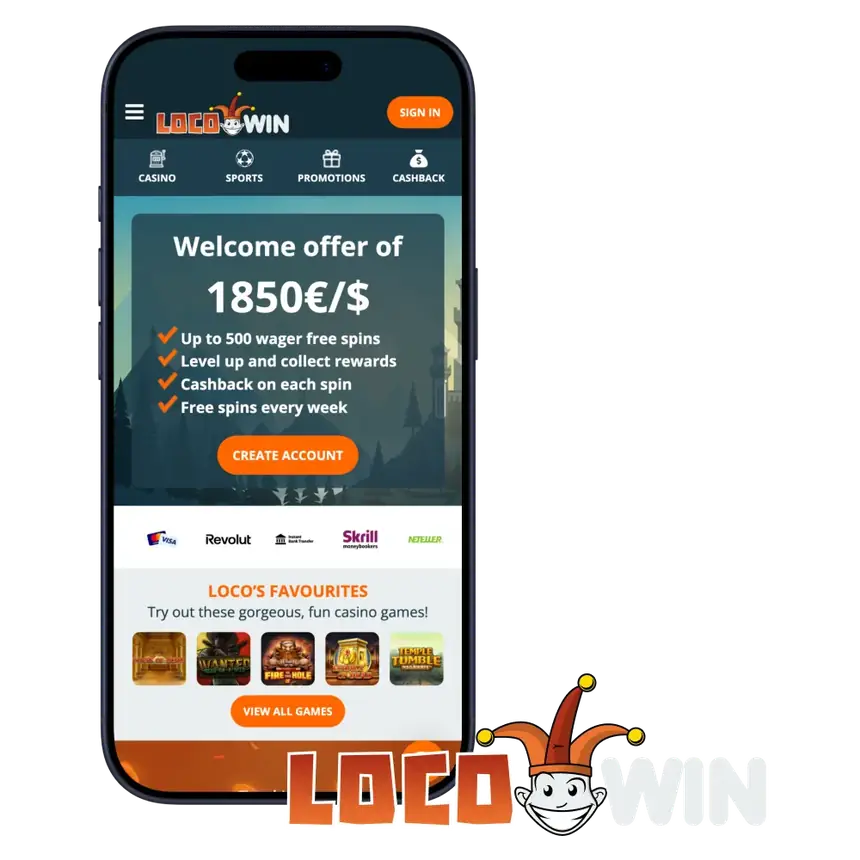
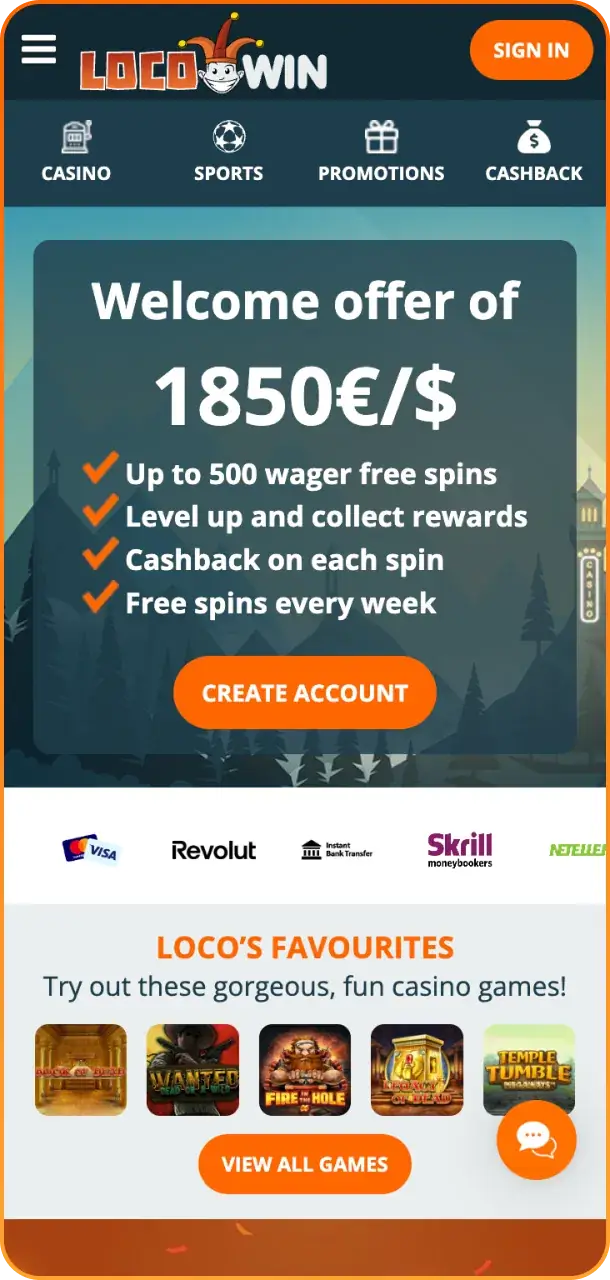
LocoWin App Interface
LocoWin Mobile App Pros and Cons
Here is a quick look at where the LocoWin web app does well and where it falls short.
Pros
Takes up no storage space on the device
8 promotions on the promotions page
Licensed and secure gambling platform
Cashback available to every customer
Cons
Just 2 ways to reach technical support
18+ · T&Cs apply
Bonuses Available on Mobile
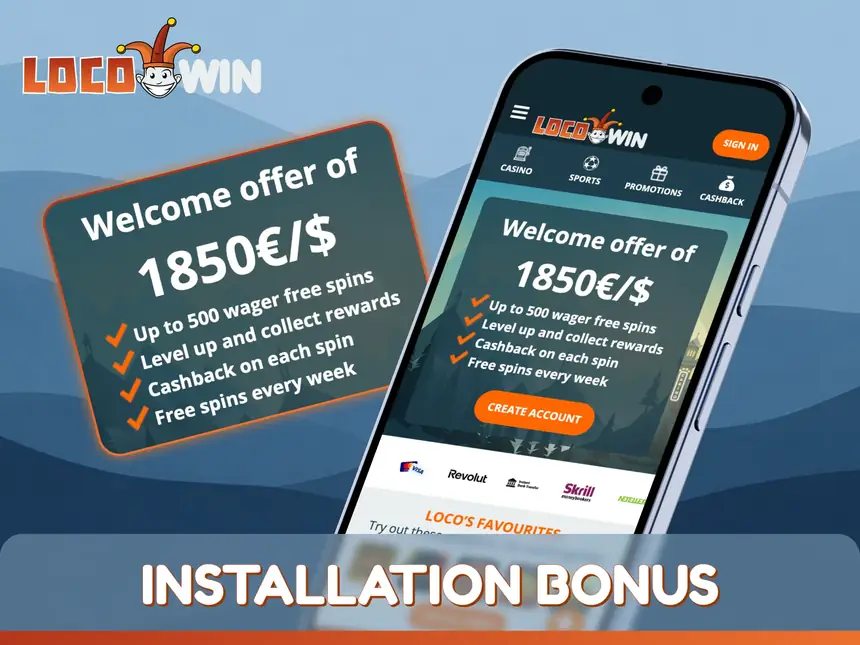
LocoWin has no special bonus for adding the app; mobile players get the same bonuses as on desktop. The most popular of them are listed here:
Welcome Bonus: +410% across the first 5 deposits, up to €1,850 plus up to 500 FS;
Crypto Welcome Bonus: 100% on each of the first 5 crypto deposits, up to €1,850 in total plus up to 500 FS (40x wagering);
Friday Free Spins: a €20+ deposit between Monday and Thursday brings up to 100 wager-free FS on Friday (winnings capped at €250);
King of the Castle: a weekly €20,000 race with 500 prize places and €5,000 for first place.
On top of that, a festive Xmas calendar is usually announced in December.
Try a New Experience with the LocoWin Mobile App
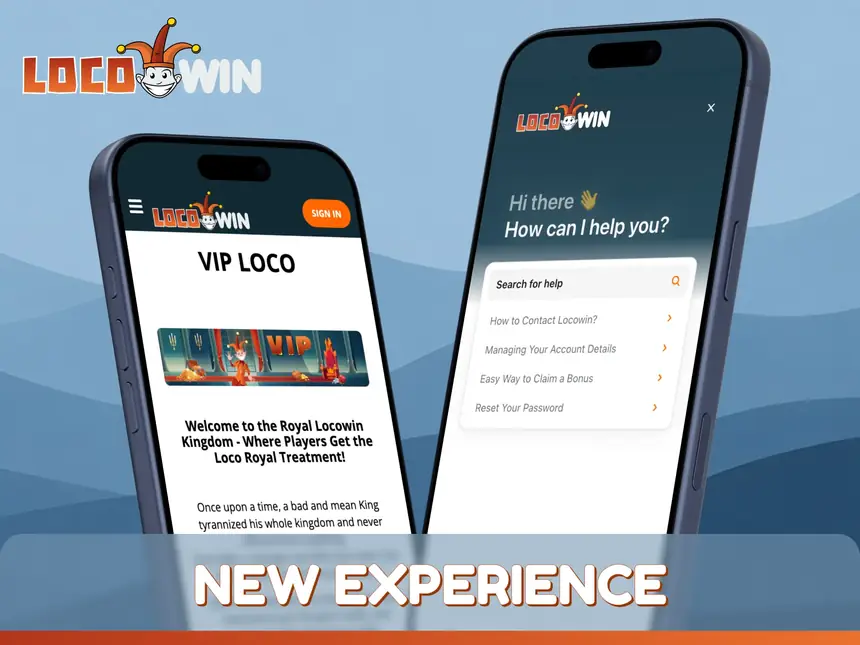
The LocoWin web app aims to give betting and gambling a fresher feel. Its main features include:
handy filters for finding matches and casino games;
a VIP programme with its own unique rewards;
a broad game range, from slots to distinctive live dealer titles;
live chat for sorting out customer issues quickly;
pre-match and live betting in the same sportsbook as on desktop.
Navigation is straightforward too, helped by a simplified interface and a minimalist look.
18+ · T&Cs apply
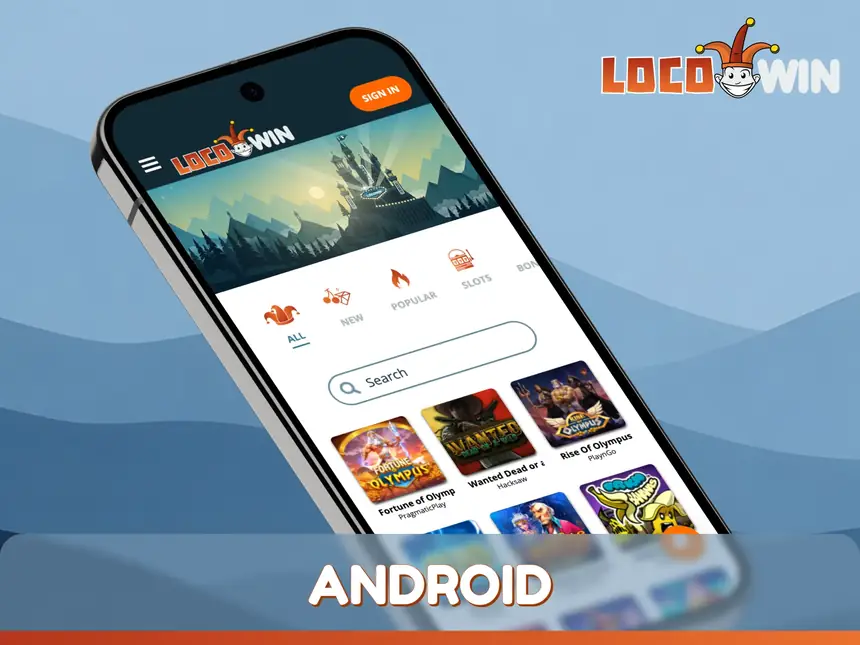
LocoWin App on Android
There is no APK to download: on Android, LocoWin is used through the browser and a home-screen shortcut. The operator does not publish system requirements, and any up-to-date Android browser such as Chrome will do. Adding the shortcut takes a few taps.
How to Get the LocoWin App on Android?
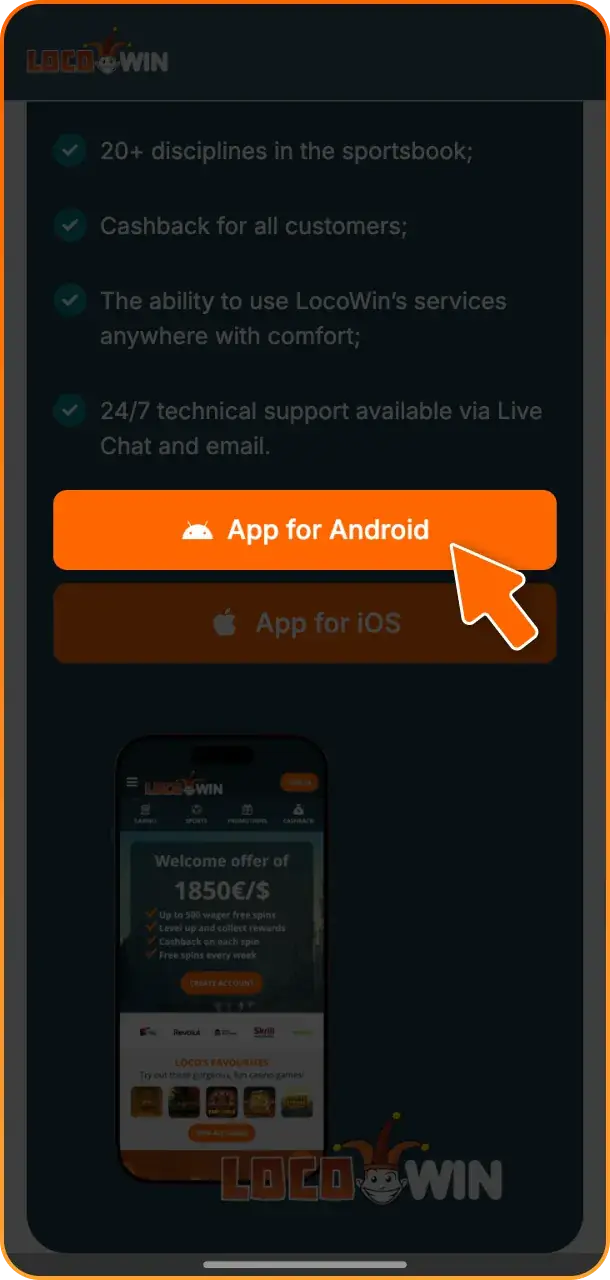
The LocoWin betting app is not listed on Google Play, and there is no APK either, so Android users save the mobile site to the home screen instead. In practice it opens like any other app. The steps are set out below.
1
Go to the LocoWin Website
Follow the link in this review to reach the LocoWin website. Then tap the registration button and complete the short form to set up a profile.
2
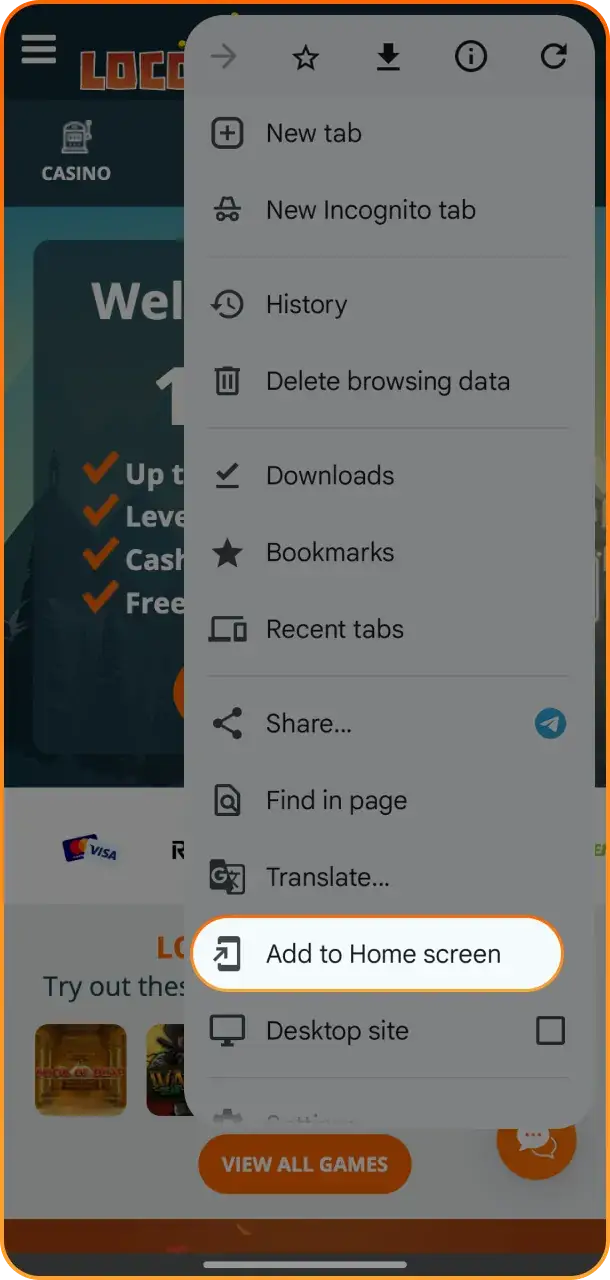
Add LocoWin to the Home Screen
Tap the 3 dots in the top-right corner to open the context menu, then choose ‘Add to Home Screen’.
3
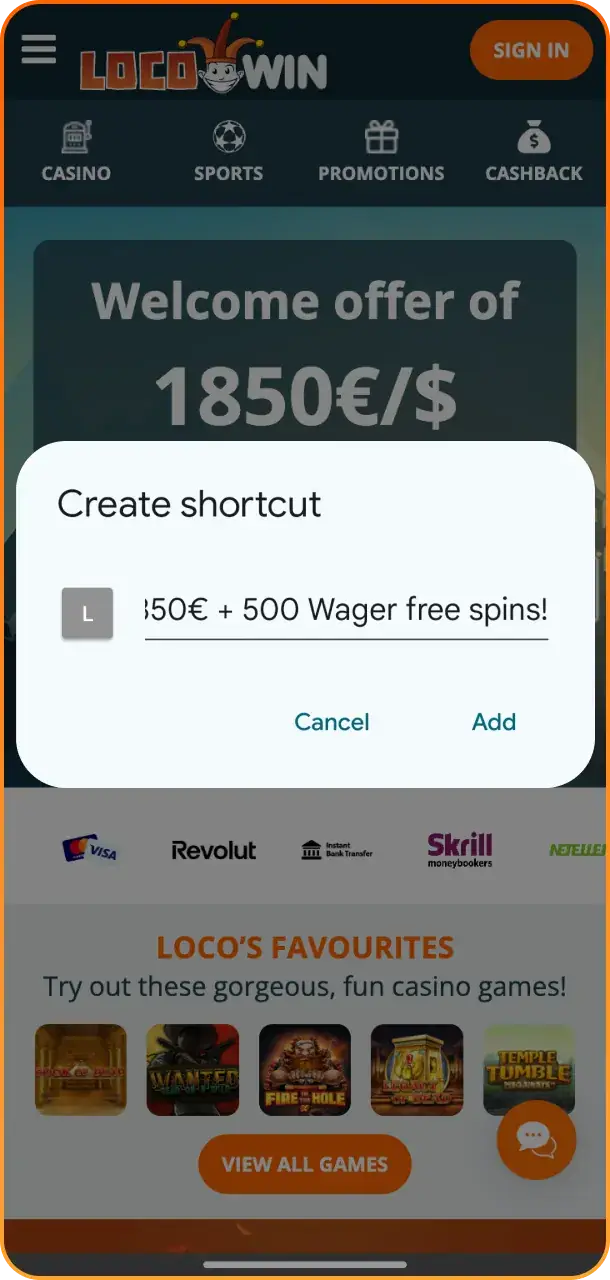
Finish Adding the LocoWin Shortcut
Confirm, and the LocoWin icon appears on the home screen. Tap it to open the site, sign in and start playing.
LocoWin App on iOS
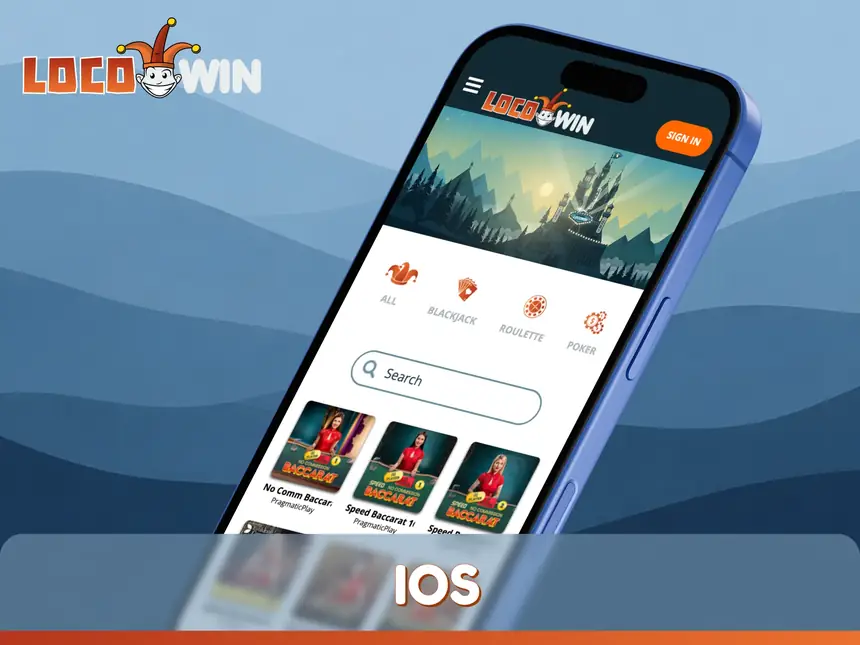
iOS users can also save LocoWin to the home screen, which puts the full functionality of the website on their phone. The operator does not publish system requirements; an iPhone with an up-to-date Safari will do.
How to Get the LocoWin App on iOS?
Adding LocoWin to the home screen requires nothing more than Safari and a few spare minutes. There are no LocoWin APK files to download or install, and the app cannot be found in the App Store either. The instructions below show how to set up the shortcut.
1
Go to the LocoWin Website
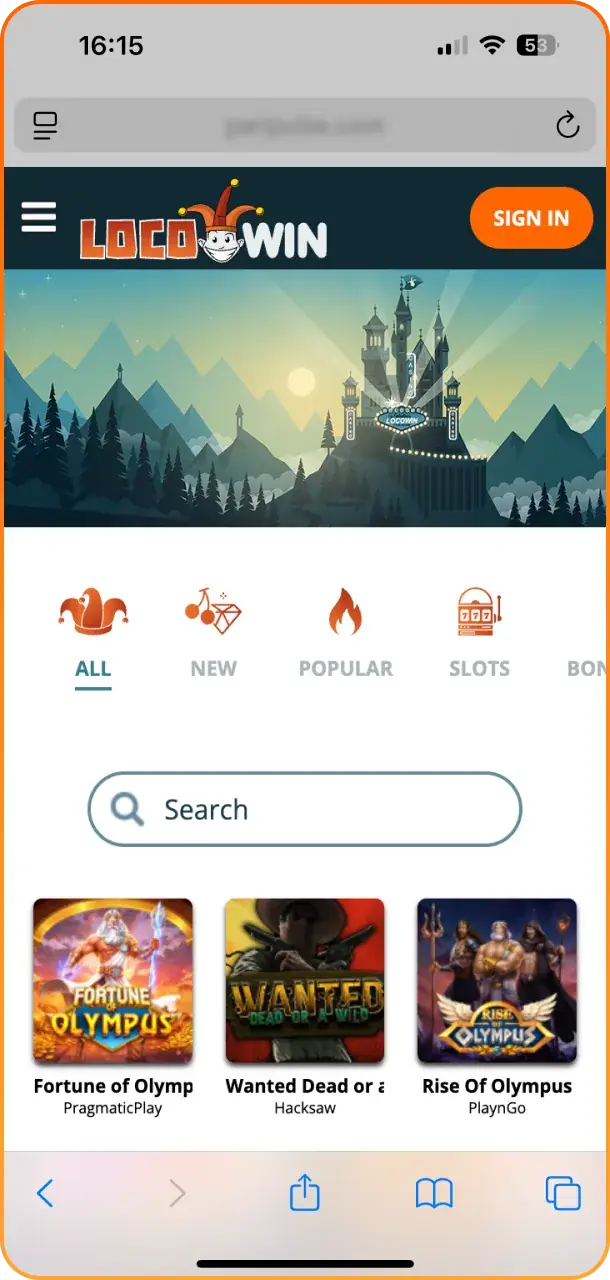
Load this page in Safari and use the link in the review to head to the LocoWin website. Once there, tap the registration button and create a profile.
2
Add LocoWin via Share
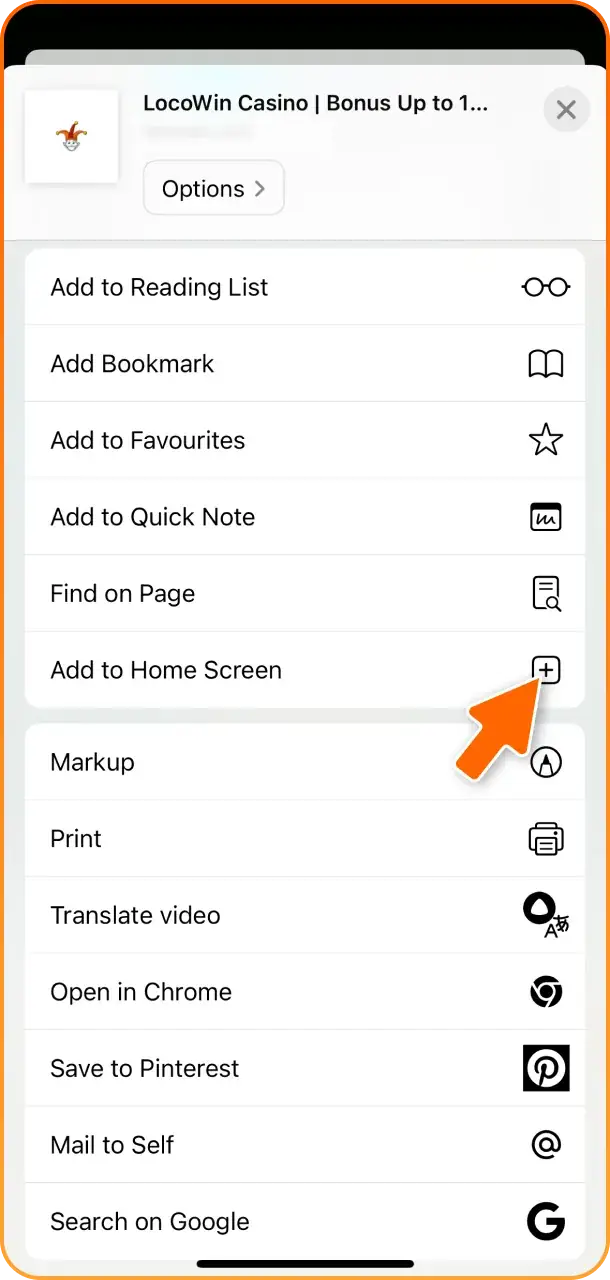
On the LocoWin home page, tap the ‘Share’ button at the bottom of the screen and pick ‘Add to Home Screen’ from the menu.
3
Complete the Process
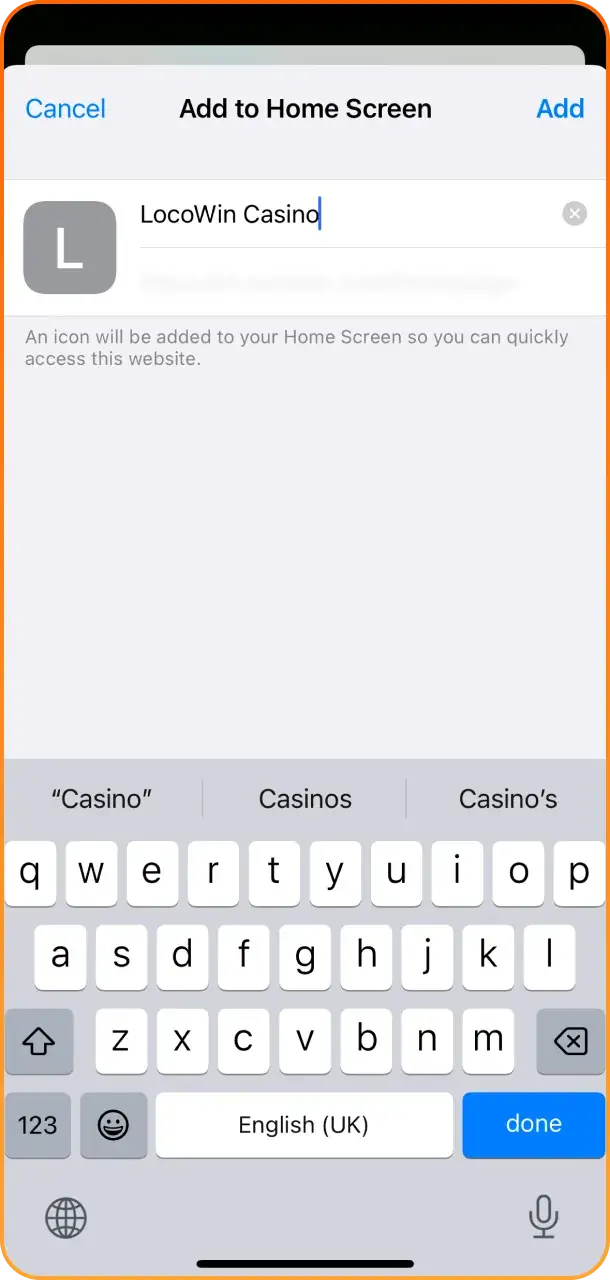
Type ‘LocoWin’ into the title bar and tap ‘Add’ in the top-right corner. The LocoWin icon now sits on the home screen, so you can open it, sign in and start using the services.
How to Update the App to the Latest Version?
For now, LocoWin is available only as a home-screen version of its website, and that version never needs updating, since it is still a website that works like an app. Any new features, bug fixes or other changes load automatically along with the site, so nothing has to be updated by hand.
How to Register a New Account via Mobile App?
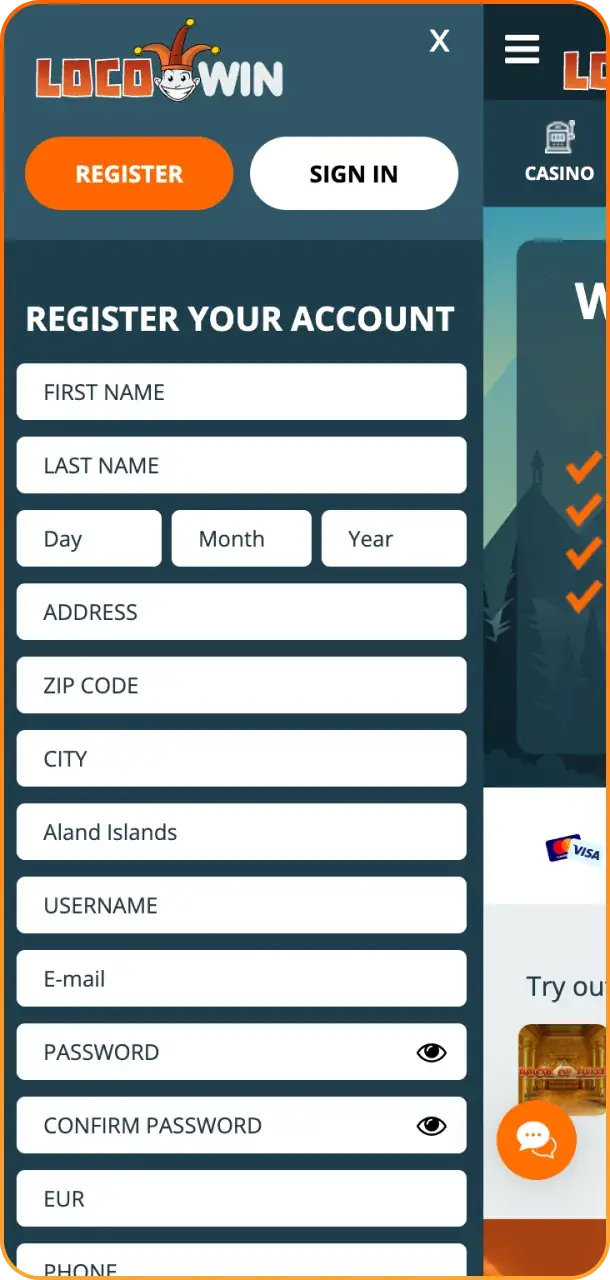
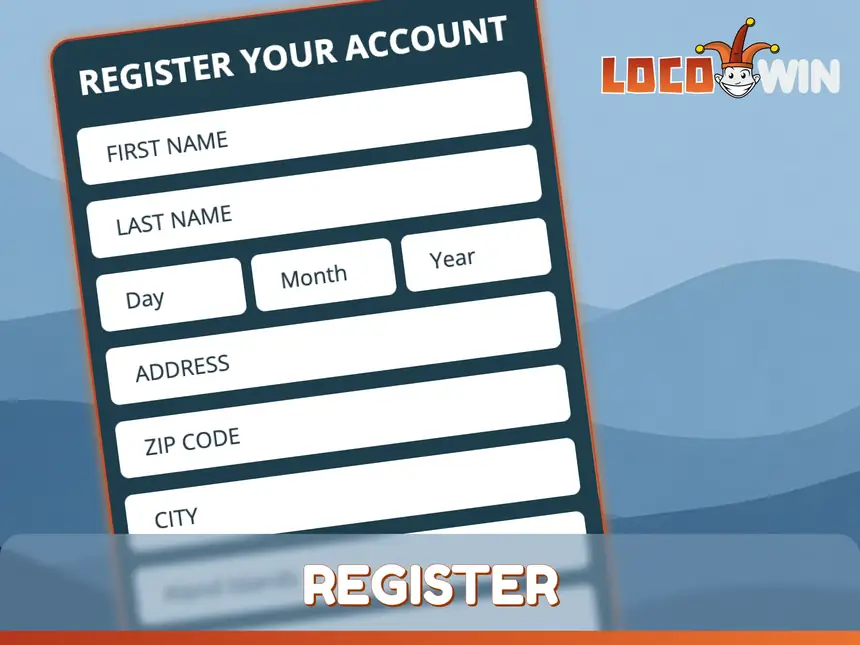
The LocoWin web app can only be used once you register an account, which takes a few minutes. Here is the full process step by step:
Launch the LocoWin web app and tap the registration button.
Enter the personal details requested: name, address, date of birth and e-mail, plus place of birth and nationality where asked.
Choose your country of residence and currency, then set a password.
Accept the platform rules and tap ‘Create Account’.
You may also be asked to verify your phone number straight away with an SMS code sent by the operator.
LocoWin Mobile Website Overview
Players who prefer not to save the LocoWin shortcut can stick with the mobile version of the website. Nothing needs to be downloaded, and the platform is ready for gambling and betting straight away, with the same functionality as the full site. The only difference is convenience: the site has to be opened from the browser each time.
Differences Between the LocoWin App and Website
To help you pick a platform, here is how the home-screen web app compares with the LocoWin mobile website.
LocoWin Web App (Home Screen)
LocoWin Mobile Version of Website
Needs to be added first
Ready to use right away
Handy launch icon
Website has to be opened manually
Same site and features
Same site and features
Comfortable design
Runs inside a standard browser window
For most players this comes down to timing: the mobile website suits anyone who wants to play or bet immediately, while the home-screen shortcut is the more comfortable option with quicker access.
LocoWin Sports Betting App
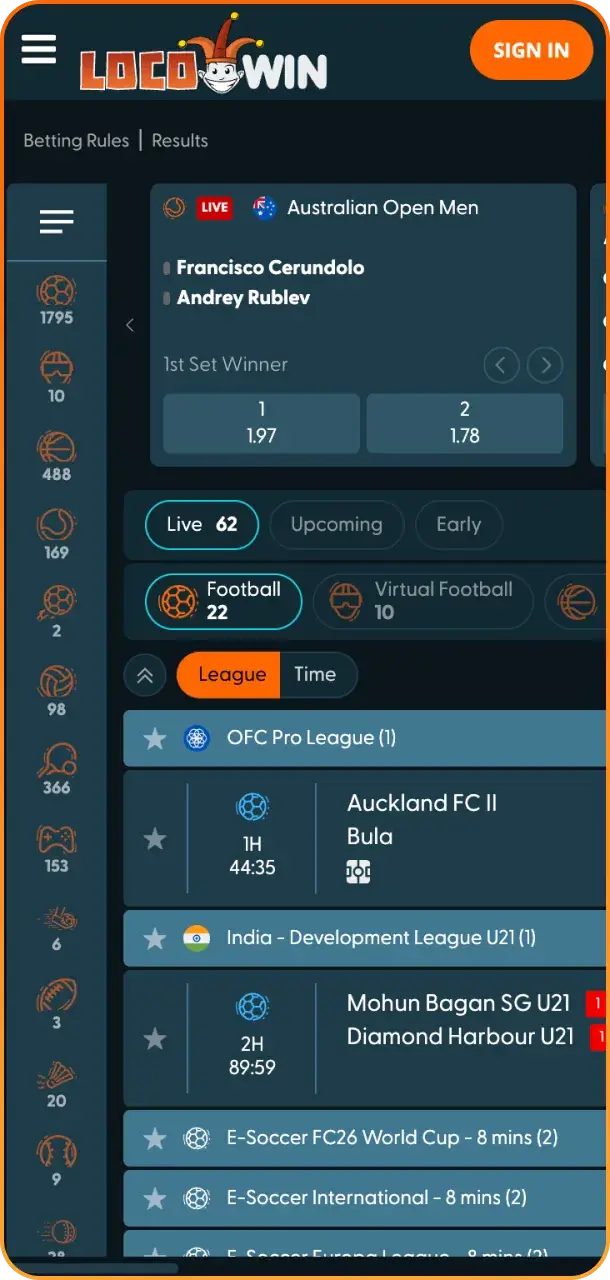
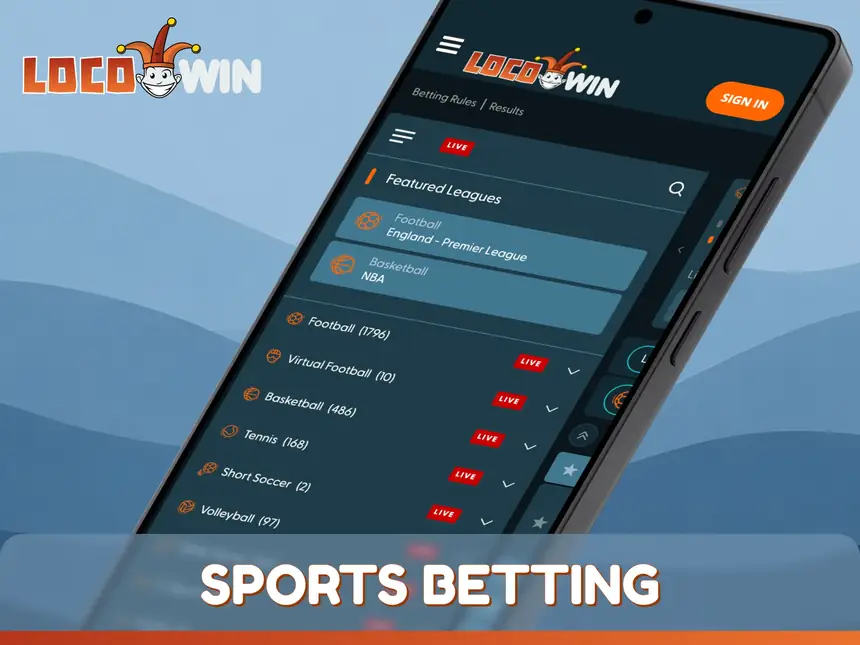
The LocoWin web app lets players place bets both live and pre-match. Available outcomes include Match Winner, Total, Handicap, Correct Score, Double Chance and plenty more. These are the sports LocoWin customers back most often:
Football;
Basketball;
Tennis;
Volleyball;
Baseball;
Boxing;
Cricket;
MMA;
Rugby.
The sportsbook also covers sports that rarely appear on betting sites, such as Water Polo and Snooker.
Online Casino Section on LocoWin App
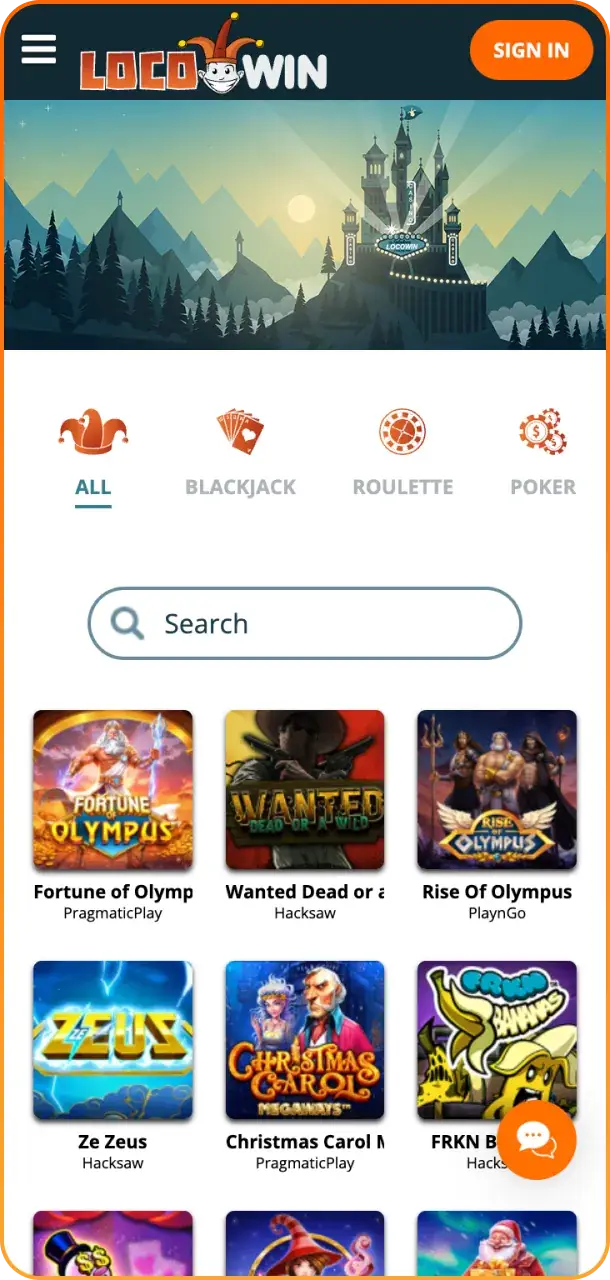
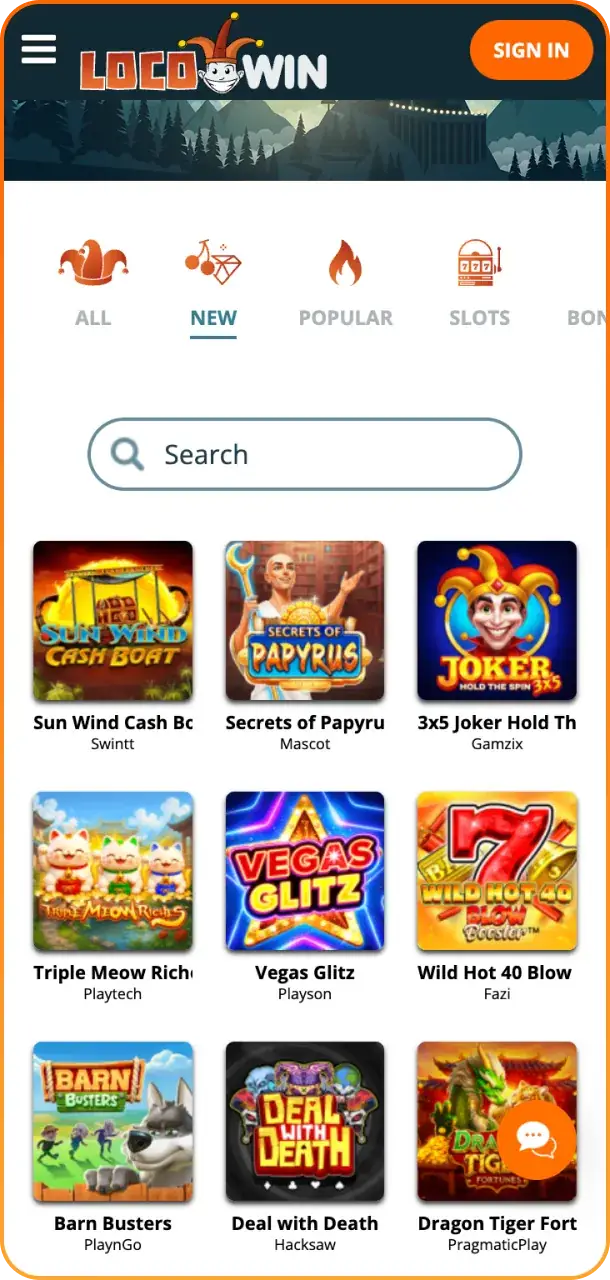
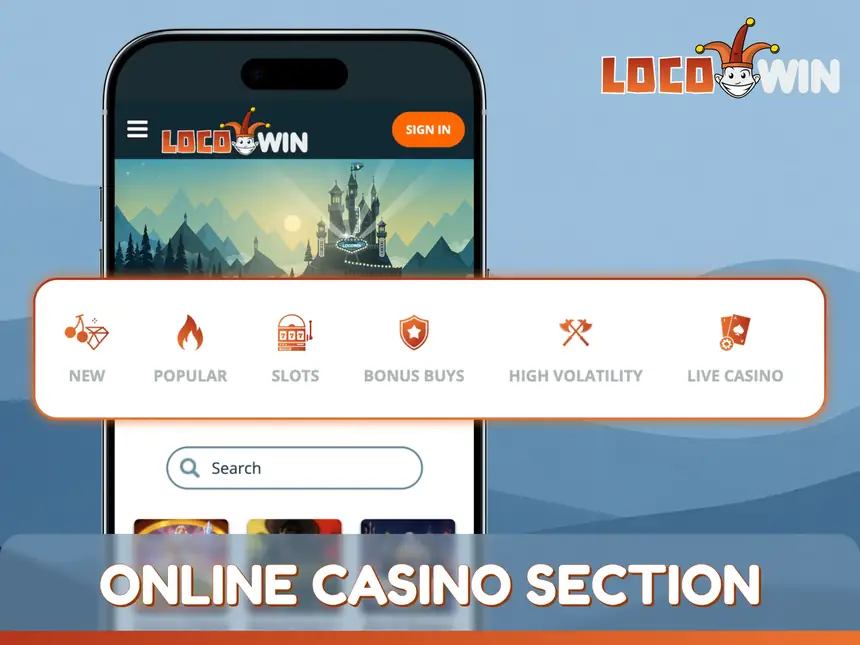
The casino section of the LocoWin web app is a large game library, ranging from classic slots to game shows with unusual rules and live dealers. LocoWin works with 40+ game providers, which keeps the selection varied. The game types currently on offer are:
Both high- and low-volatility titles are available in the LocoWin web app, so the level of risk is up to you.
LocoWin Mobile Payment Methods
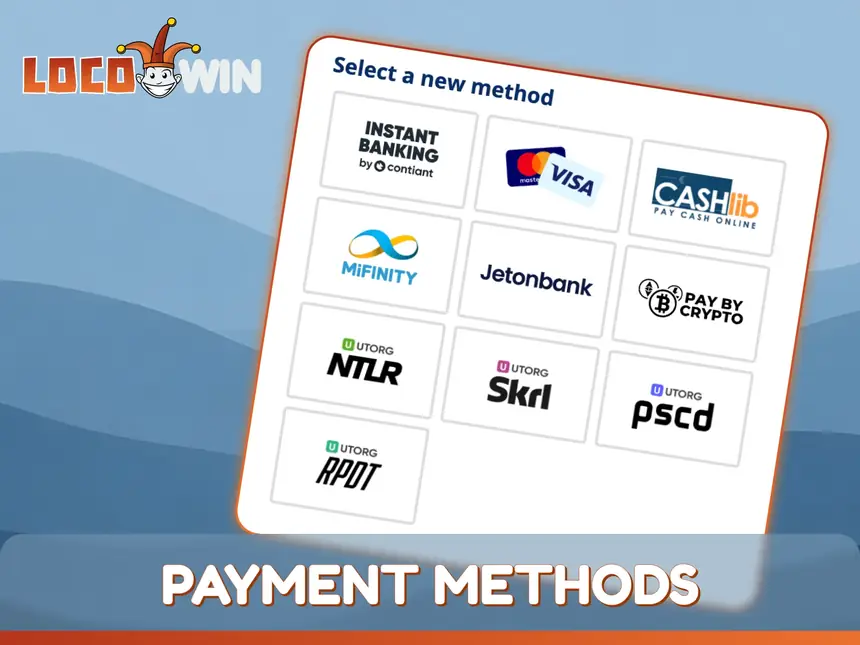
The LocoWin web app uses the same cashier as the desktop site, with the same limits for deposits and withdrawals. The T&C set the minimum deposit at 10 EUR, but most methods start at 20 EUR. Deposit limits for the main methods are summarised below.
Visa/Mastercard (20 – 1,000 EUR);
Skrill (20 – 1,000 EUR);
Neteller (20 – 1,000 EUR);
MiFinity (20 – 1,000 EUR);
Jeton (20 – 1,000 EUR);
Paysafecard (20 – 1,000 EUR);
Crypto: Bitcoin, Ethereum, Litecoin and more (20 – 1,000 EUR);
Binance Pay (10 – 2,000 EUR);
Instant Banking (10 – 2,000 EUR);
CashtoCode (20 – 500 EUR).
Limits as published on LocoWin’s site on 10.11.2026; the cashier shows the methods available in your country.
How to Make a Deposit via App?
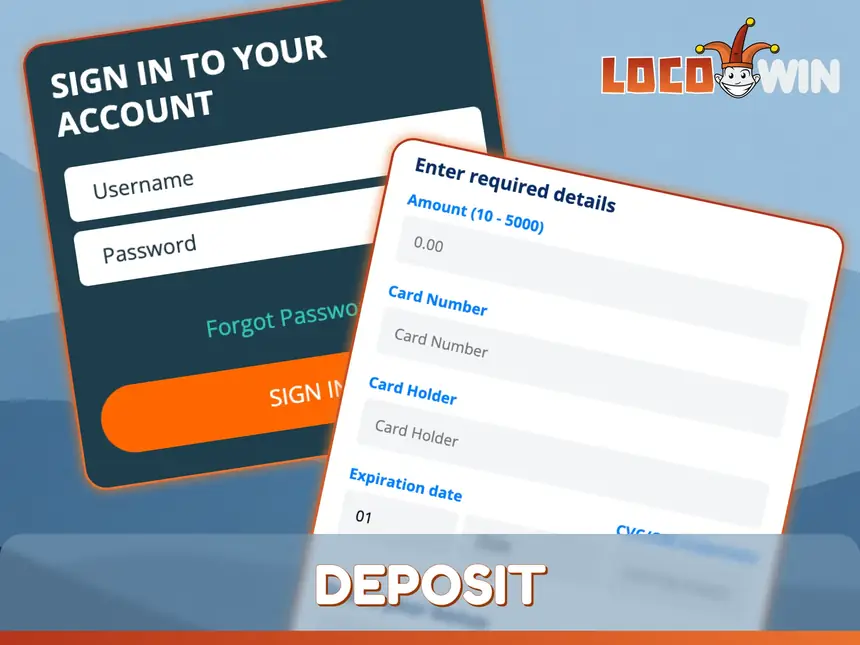
Topping up through the LocoWin web app is simple; just make a deposit as follows:
Launch the LocoWin web app and sign in to your account.
Tap the deposit button and pick a payment method.
Enter the amount you want to deposit.
Add the required details and confirm the transfer.
It is worth double-checking the details before confirming.
How to Withdraw Money via Mobile App?
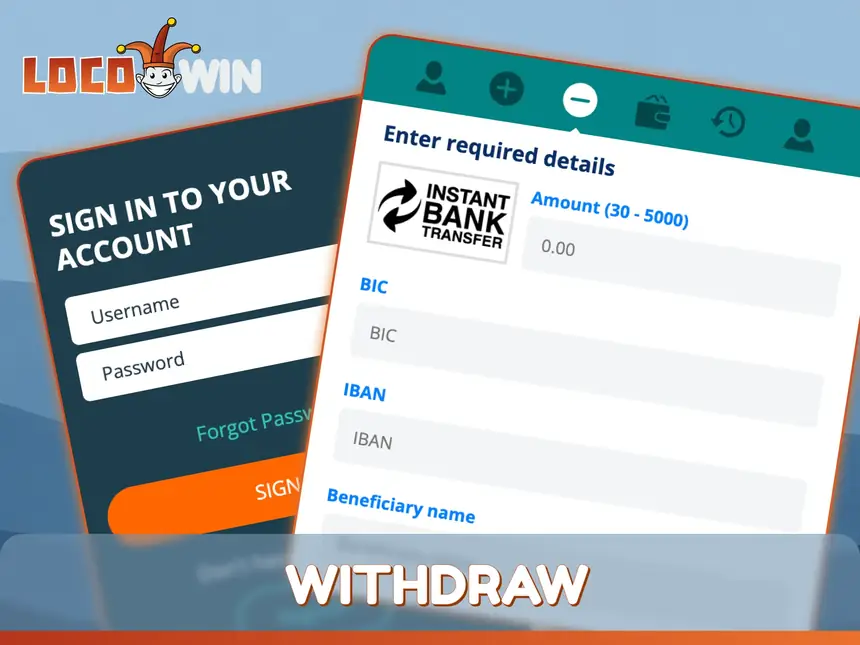
Cashing out winnings works like this:
Launch the LocoWin web app and sign in to your account.
Select a payment system and enter the amount to withdraw.
Add the required details and confirm the payment.
LocoWin processes withdrawal requests within 2 business days (after any KYC checks). After approval, e-wallets and crypto are paid instantly, while bank transfers take 3–5 days.
Contact with Customer Support via the LocoWin App
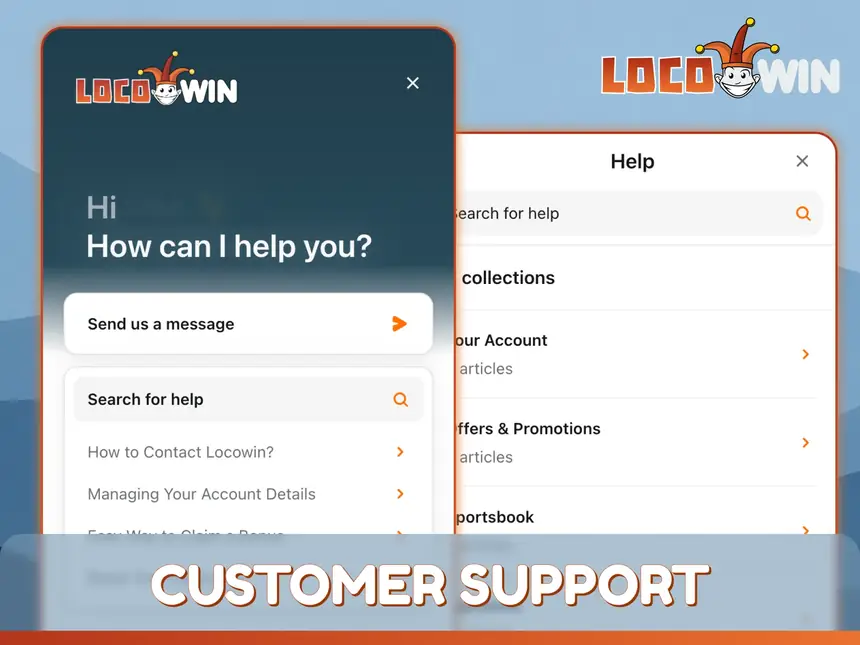
Any issues can be raised with LocoWin’s technical support team. Help is currently offered through these channels, and the casino does not publish its opening hours:
The more detail you give about the problem, the faster the agent handling it can resolve it.
FAQ
What Games Can I Play on the App?
The app offers a wide range of slots with features such as Megaways, Bonus Buy, Free Spins, MegaSpin, ReSpin and ReTrigger. All the most popular live games are there as well, and the instant games make a welcome change of pace when you want something different.
How Are Deposits and Withdrawals Handled via the App?
Deposits and withdrawals go through the same cashier as on desktop; most deposits are instant, and withdrawal requests are processed within 2 business days.
How Reliable and Secure Is the App?
The LocoWin web app is a platform run by a licensed company. According to the T&C, LocoWin’s RNG has been evaluated by iTech Labs, and customers’ personal data is protected with SSL encryption.
Is Customer Support Available via the App?
Yes. Support can be contacted from the LocoWin web app by email or live chat, and the operator aims to help every customer regardless of which platform they use.