
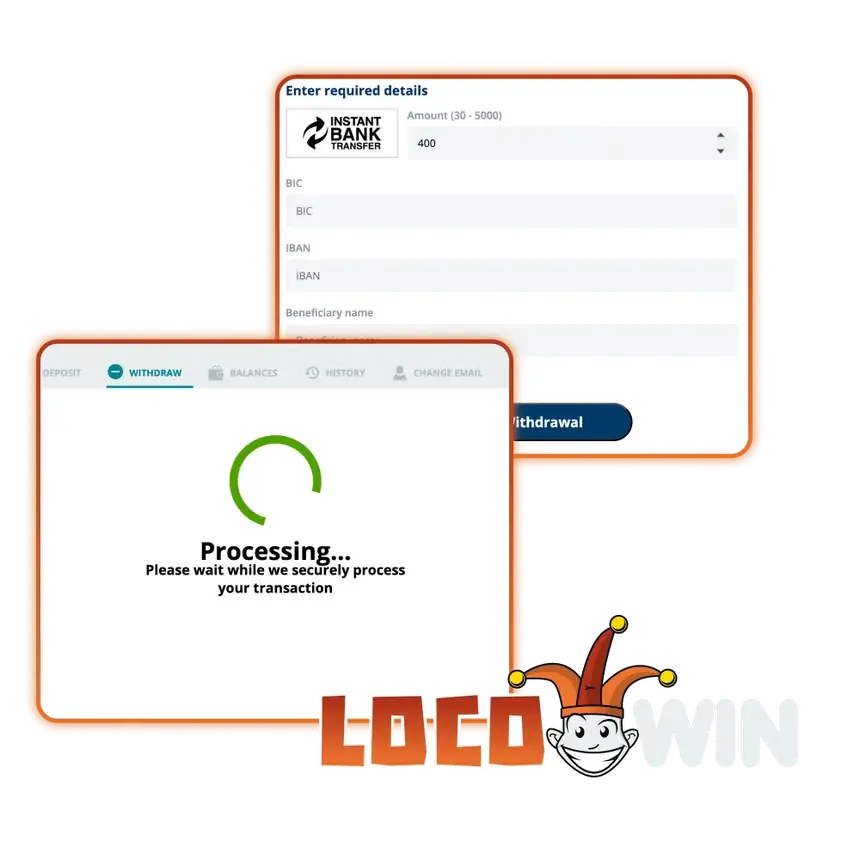
Available Withdrawal Methods on LocoWin
The minimum withdrawal is 20 EUR for e-wallets and crypto; bank transfers start at 30 EUR within the EU and 250 EUR outside it. More than 10 payment methods are supported, and the table below shows the per-transaction limits for the main ones.
| Payment Method | Minimum Withdrawal | Maximum Withdrawal |
|---|---|---|
| Skrill | 20 EUR | 1,000 EUR |
| Neteller | 20 EUR | 1,000 EUR |
| MiFinity | 20 EUR | 1,000 EUR |
| Jeton | 20 EUR | 1,000 EUR |
| Paysafecard | 20 EUR | 1,000 EUR |
| Crypto | 20 EUR | 1,000 EUR |
| Binance Pay | 10 EUR | 2,000 EUR |
| Bank transfer (SEPA) | 30 EUR | 2,500 EUR |
Card withdrawals are not listed among LocoWin’s withdrawal options; check the cashier. Limits as published on LocoWin’s site on 10.11.2026.
LocoWin processes withdrawal requests within 2 business days (after any KYC checks). After approval, e-wallets and crypto are paid instantly, while bank transfers take 3–5 days. Withdrawals are capped at €12,500 a week and €50,000 a month; amounts of €50,000 or more may be paid in instalments (T&C 4.10). Deposits are free of charge; LocoWin may apply a withdrawal fee, which is shown before you confirm the request.
How to Withdraw Money from LocoWin
A LocoWin withdrawal is requested from the personal account in a few short steps, described below.
 1
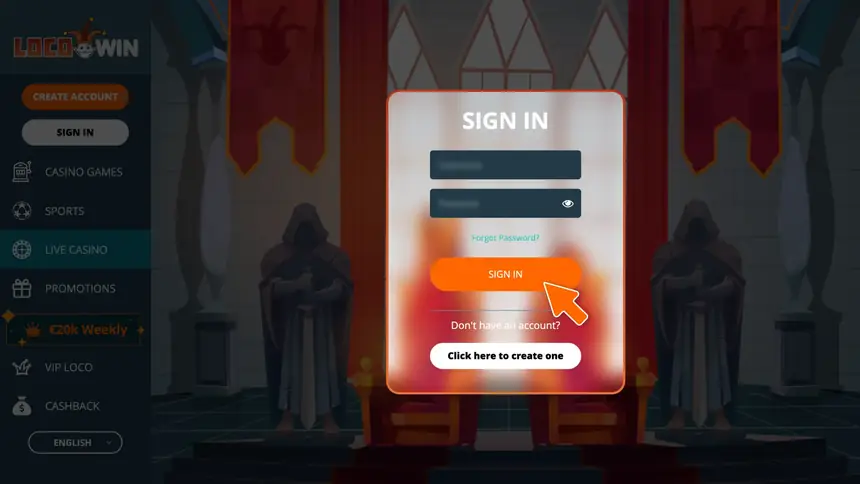
Log In to Your LocoWin Account
Go to the LocoWin website and press ‘Sign In’. Type your username into the first field and your password into the second to finish logging in.
 2
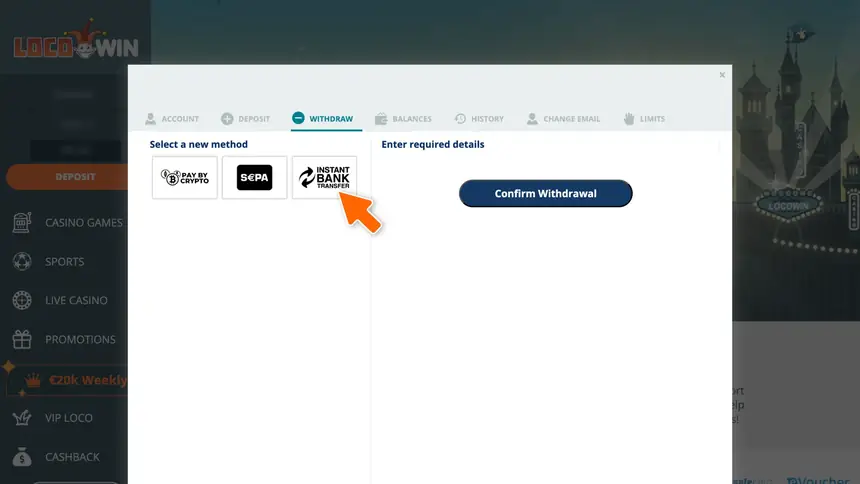
Select a Payment Method
Click the account icon, then the withdrawal button. Look through the available payment systems and pick one.
 3
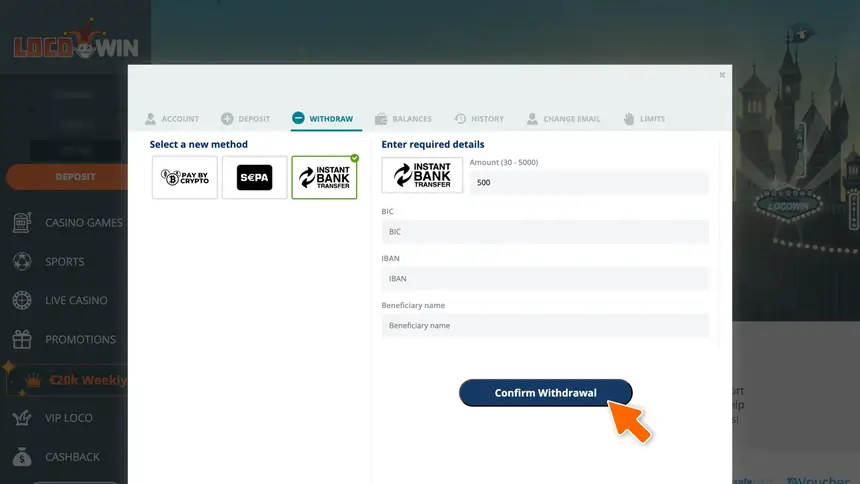
Make a Payment
Enter how much you want to withdraw and complete the details on the following page. Check everything carefully before confirming the transaction.
How to Withdraw Money from LocoWin on Mobile
Players on mobile can request a LocoWin withdrawal through the mobile site just as easily by following these steps.
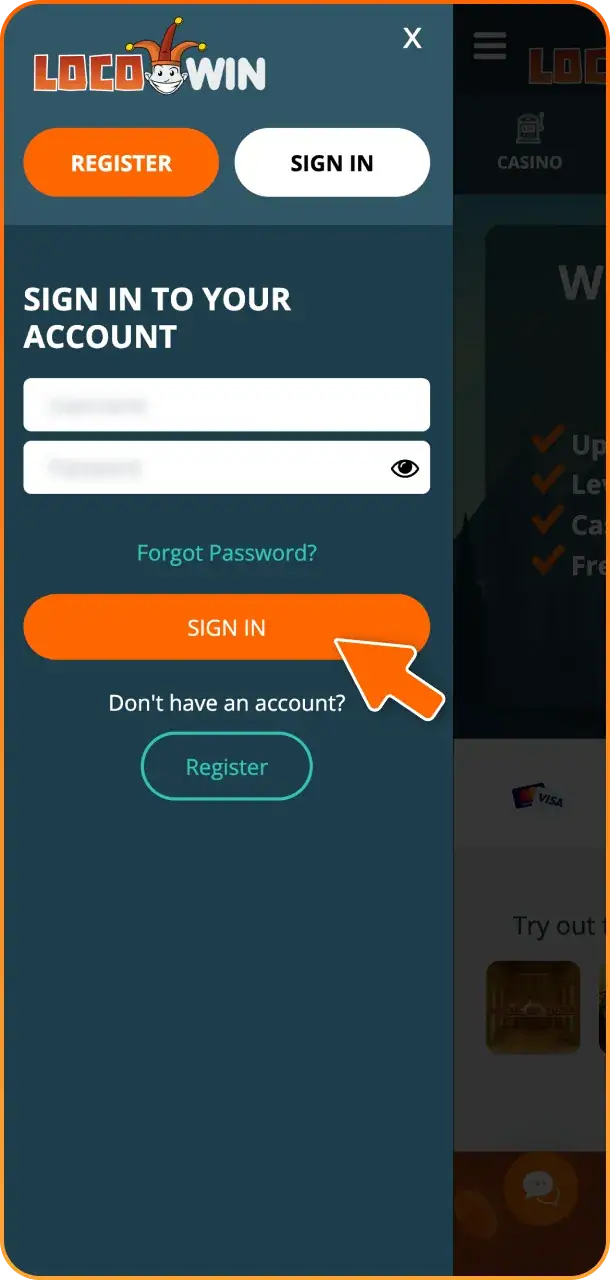 1
Log In to Your LocoWin Account
Load this page in any browser and follow the link to the LocoWin website. Tap the login button and sign in.
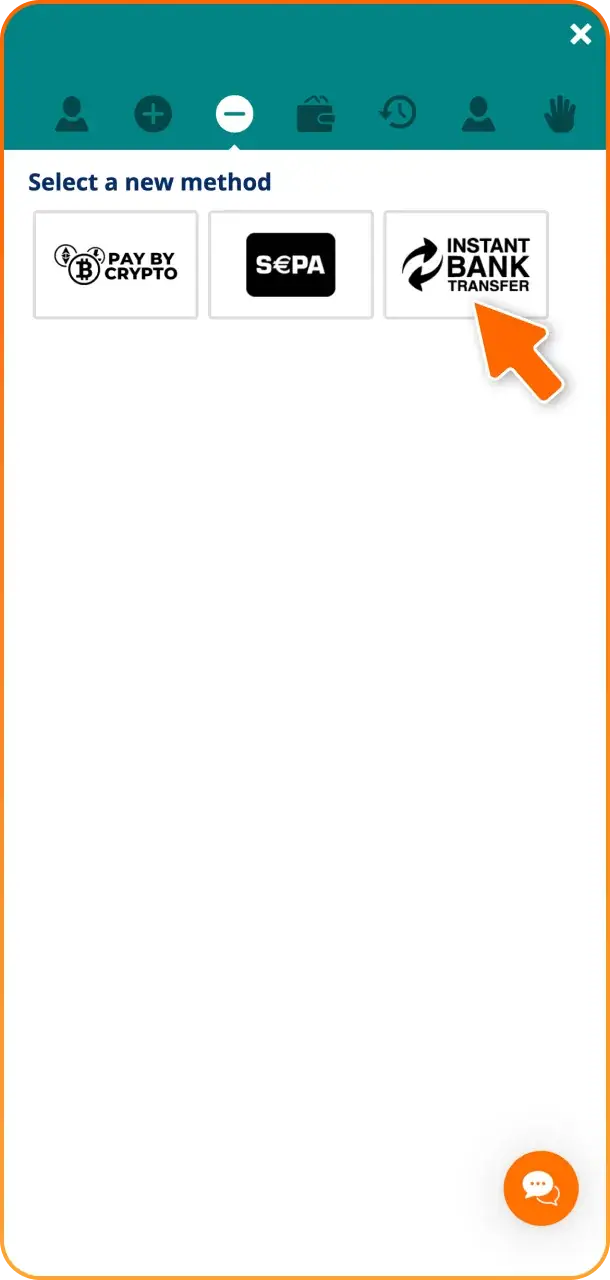 2
Select a Withdrawal Method
Open the drop-down menu and tap the account icon. From there, press the withdrawal button and choose a payment system.
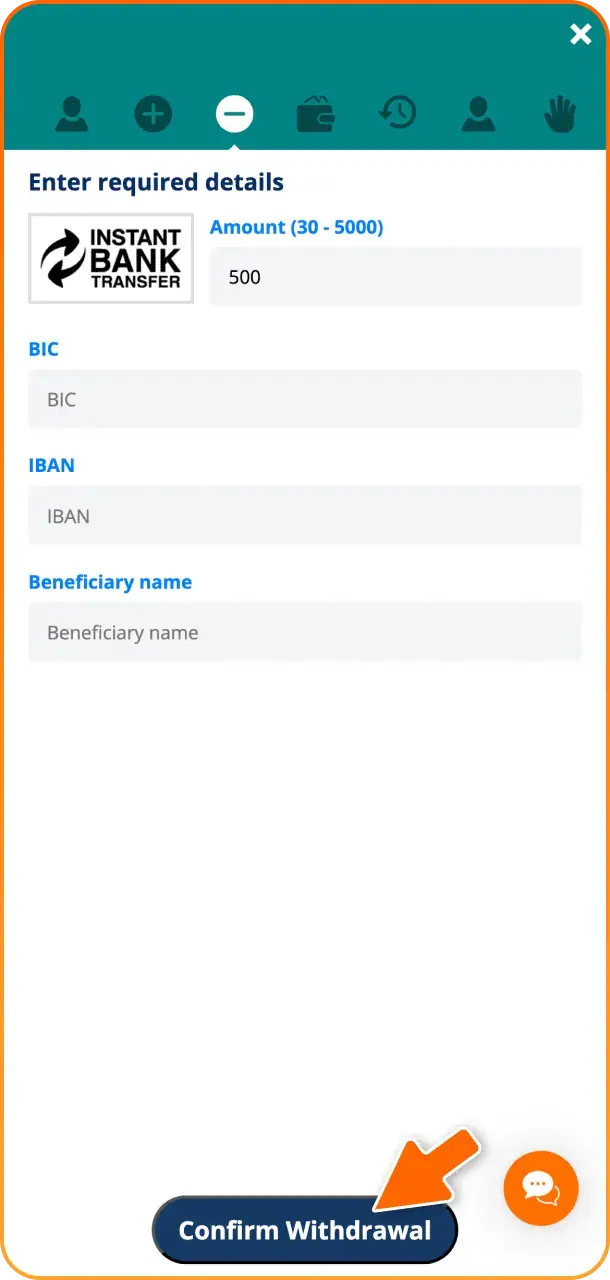 3
Complete the Withdrawal
Enter the amount you want to withdraw, and a new page will appear. Fill in the details there and confirm the payment, checking everything first to avoid mistakes.
Verification and Security Requirements
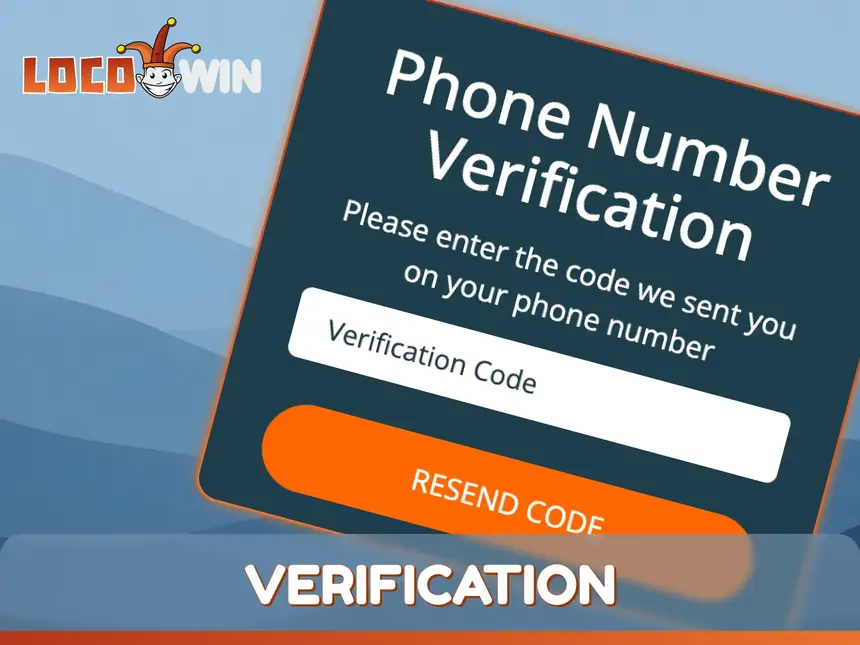
When a withdrawal is requested, the LocoWin website may ask the player to verify their identity (T&C 4.7). The process runs smoothly if you follow these steps:
- Sign in to your account on the LocoWin website, click the account icon and choose the withdrawal option.
- Agree to the verification.
- Photograph the documents you are asked for.
- Submit them in the way the casino instructs.
Typically that means an ID document, a utility bill not older than 2 months and, for cards, a photo of both sides of the card. Once total deposits exceed €2,000, LocoWin may also ask for proof of source of funds. The casino does not publish how long the check takes, and the player receives a notification once it is finished. For most players this means it is worth getting verified before the first big cash-out.
Common Withdrawal Issues & How to Solve Them
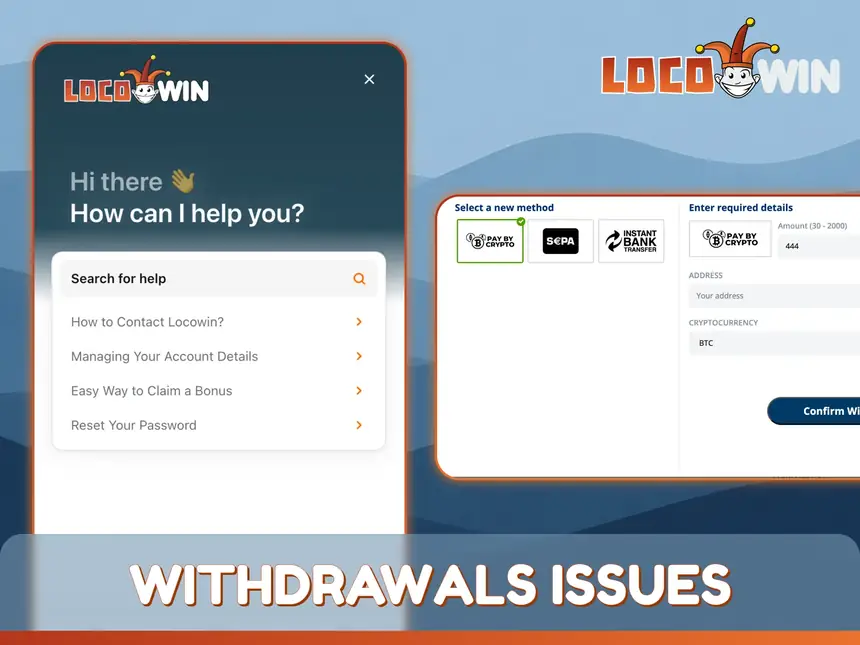
LocoWin withdrawals rarely run into trouble, but problems do occur now and then. The most frequent ones, and their fixes, are:
- Withdrawal not possible. The wagering requirements of a bonus you used may still be unmet, or your deposit has not yet been wagered at least once;
- Transfer error. Check the details you entered and submit the withdrawal again;
- Verification incomplete. Finish the verification process, then repeat the withdrawal;
- Insufficient funds. Your balance is below the minimum amount for the chosen payment system.
For any other withdrawal problem, LocoWin’s technical support agents can help.
FAQ
What Is the Minimum Withdrawal Amount on LocoWin?
The minimum withdrawal is 20 EUR for e-wallets and crypto; bank transfers start at 30 EUR within the EU and 250 EUR outside it.
How Long Does It Take to Receive My Money?
LocoWin processes withdrawal requests within 2 business days (after any KYC checks). After approval, e-wallets and crypto are paid instantly, while bank transfers take 3–5 days. If there is a delay of 10 days or more, the player is told why.
Are There Any Fees for Withdrawing Funds?
Deposits are free of charge; LocoWin may apply a withdrawal fee, which is shown before you confirm the request. The payment systems you use might also charge, so check their terms.
Can I Withdraw Using the Same Method I Used to Deposit?
Withdrawals are sent to the same account you deposited from; if that is not possible, LocoWin returns the funds in line with its AML rules.
Why Was My Withdrawal Request Declined?
A declined request may mean the platform rules were broken in some way, or that the LocoWin administration needs to run an extra check. Technical support can explain the exact reason.