
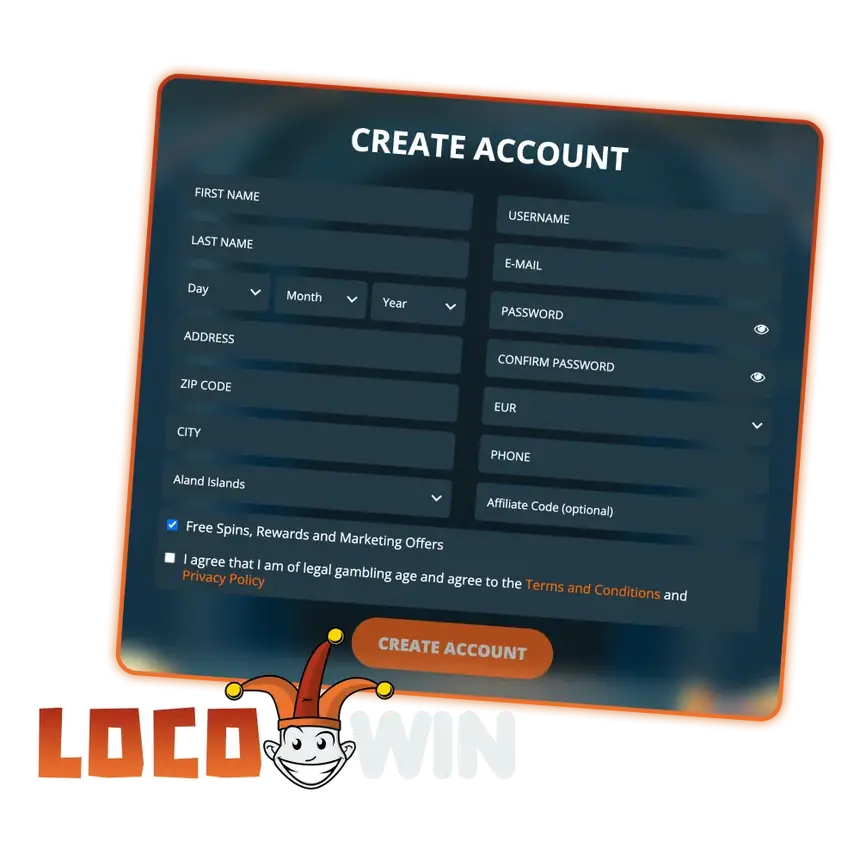
How to Register at LocoWin – Step-by-Step Guide
Creating a LocoWin account takes around 5-10 minutes. The steps below cover the whole process.
 1
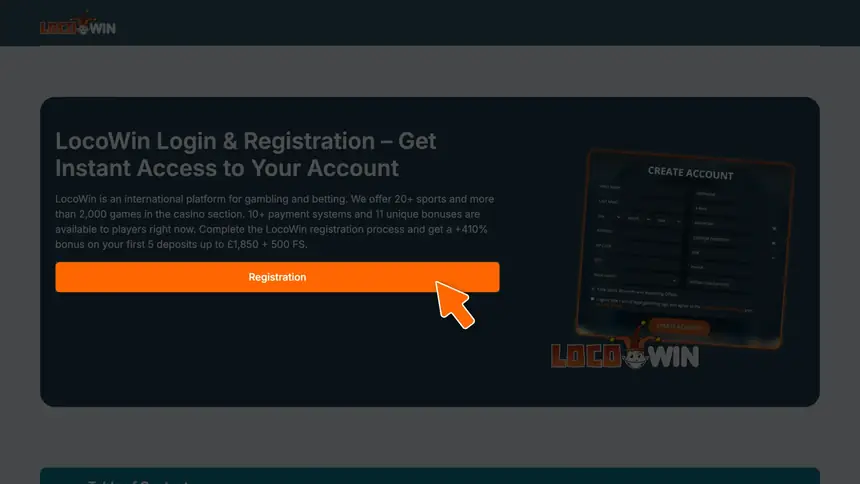
Start Registration
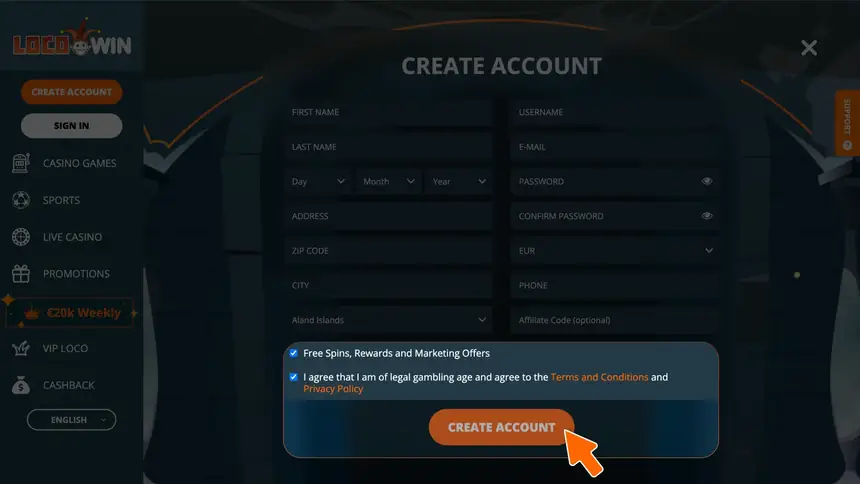
Follow the link on this site to open LocoWin, then press the ‘Create Account’ button.
 2
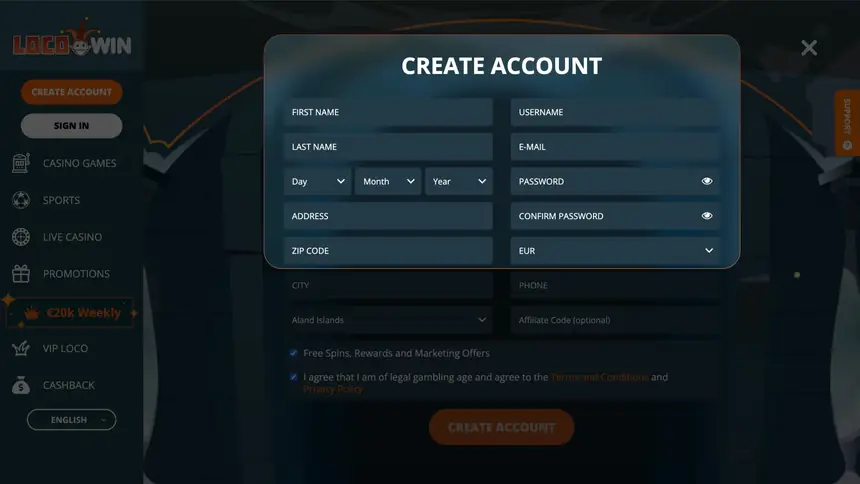
Fill in Your Details
Fill in your full name, date of birth, home address, password, email, account currency and phone number, and, where requested, place of birth and nationality.
 3
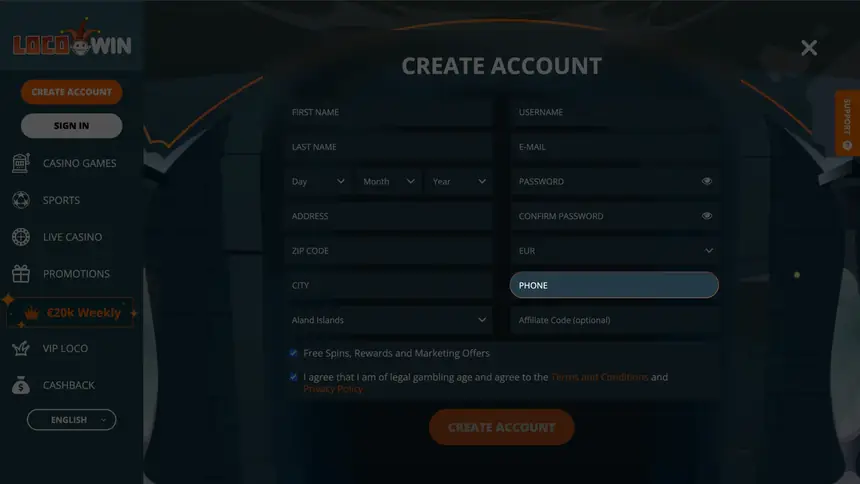
Confirm Your Phone Number
If you are asked to confirm your phone number, type the code you receive by SMS into the matching field.
 4
Complete LocoWin Registration
Accept the LocoWin rules and press ‘Create Account’ to finish.
Verification & KYC Process on LocoWin
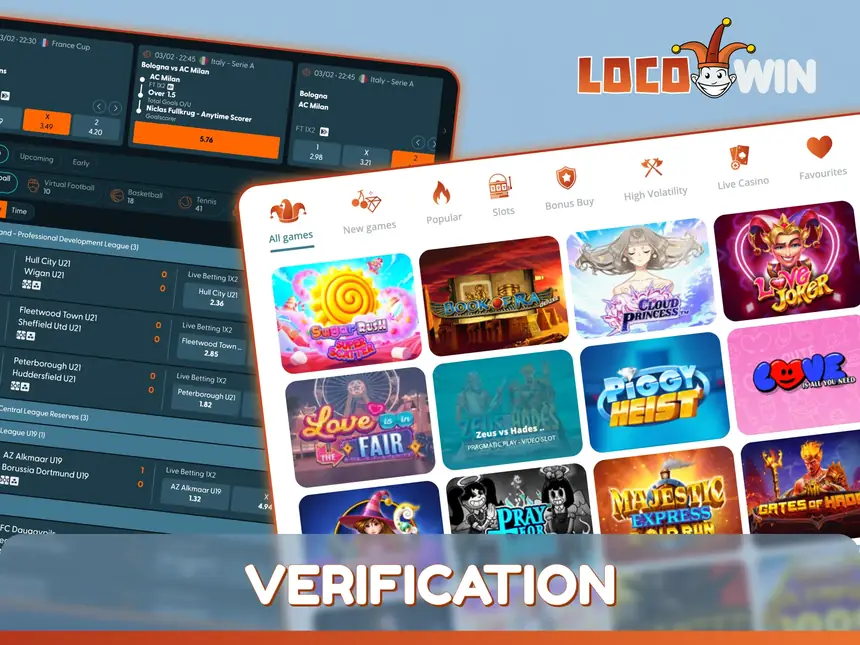
LocoWin does not ask for documents at sign-up, so you can usually start playing straight away. However, the T&C let the casino verify your identity before or after a deposit, and checks are standard before the first withdrawal. Typically the casino asks for an ID document, a utility bill not older than 2 months and, for cards, a photo of both sides of the card; once total deposits exceed €2,000, it may also request proof of source of funds.
How to Create a LocoWin Account via Mobile App
Players who prefer a mobile device can sign up just as easily from a phone by following the steps below.
 1
Start Registration
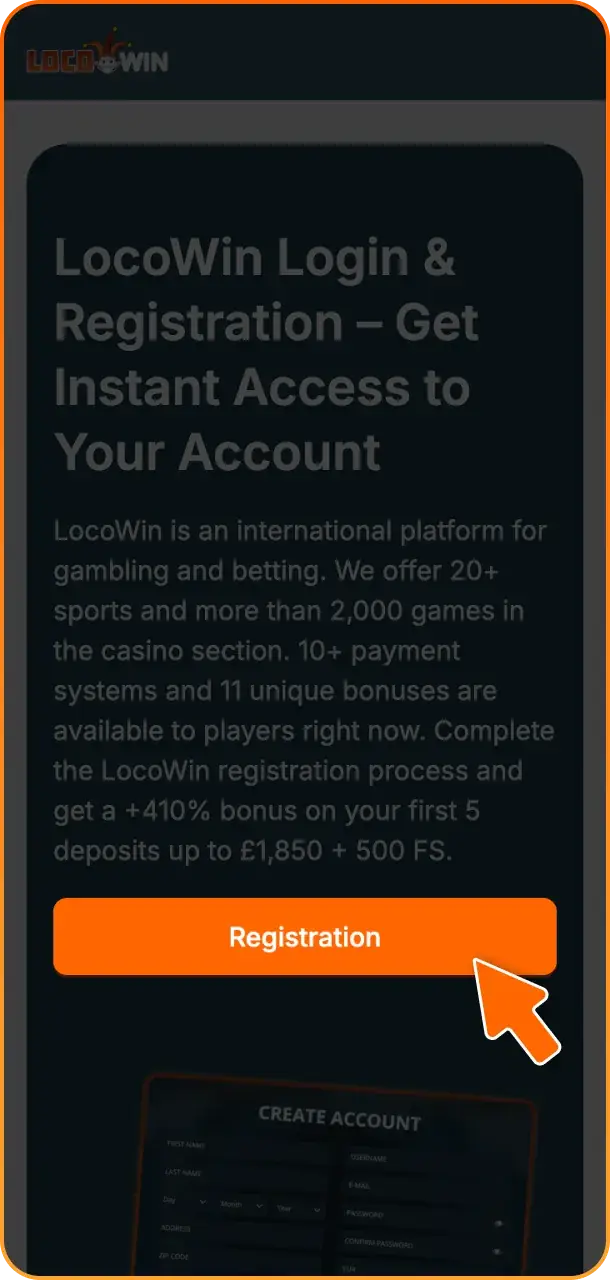
Load this page in any mobile browser and follow the link to the LocoWin website. Open the drop-down menu and tap ‘Registration’.
 2
Enter Your Personal Details
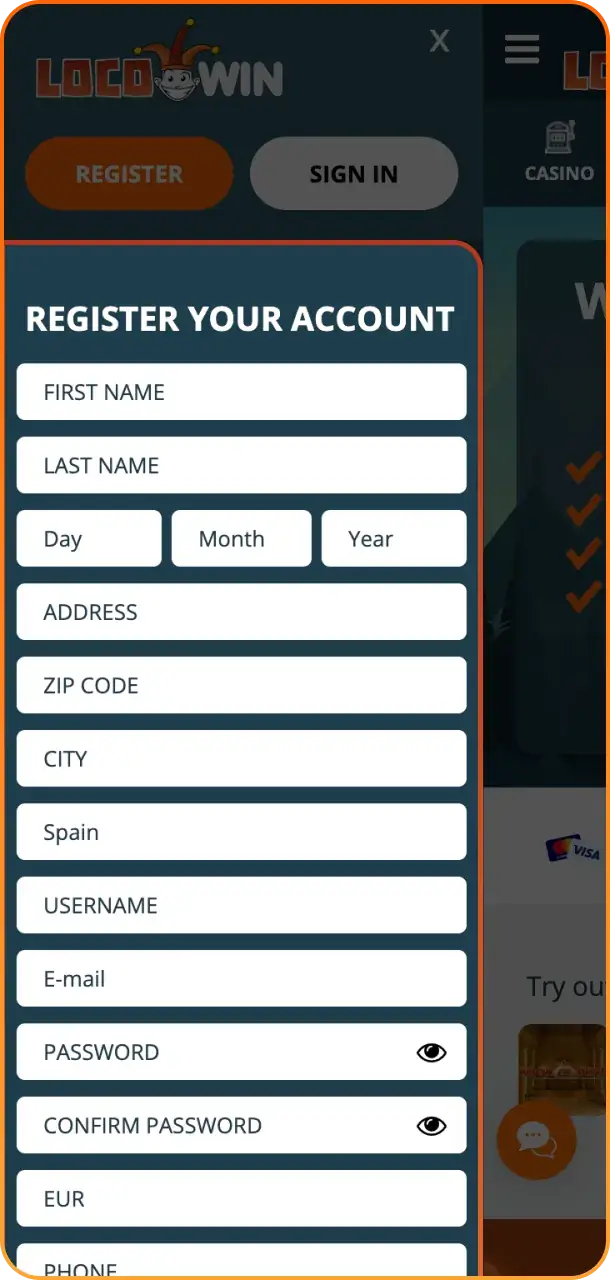
Provide your full name, home address, email, account currency and phone number, and choose a password.
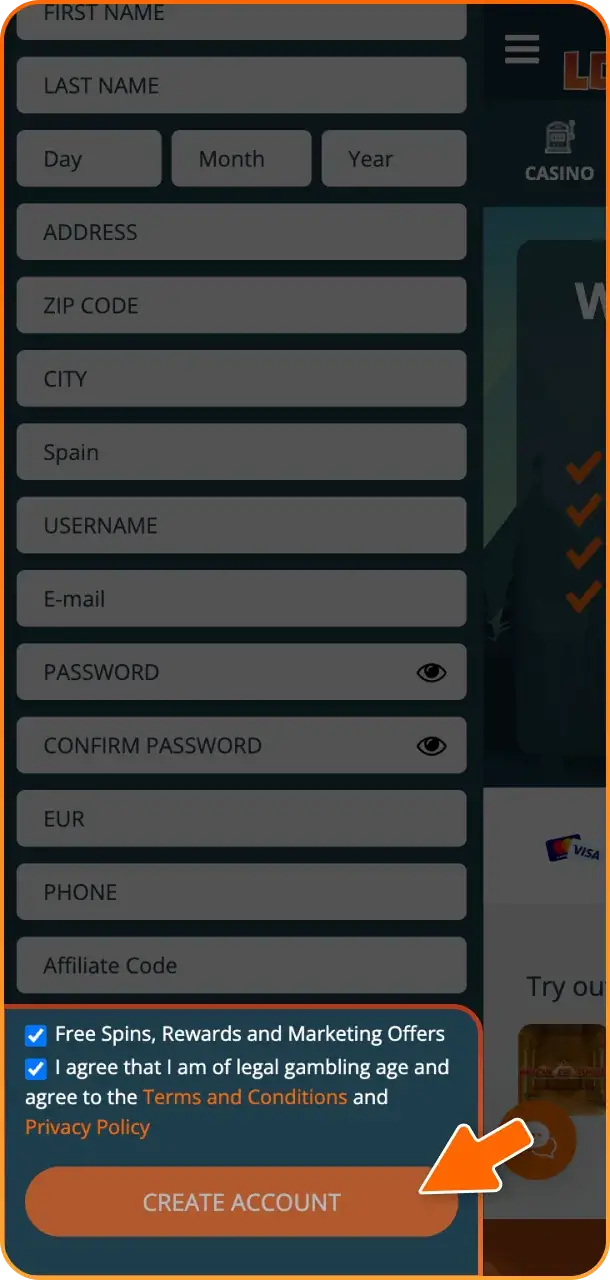 3
Agree to the Terms and Conditions
Tick the box confirming that you accept the terms and conditions, then tap ‘Create Account’.
 4
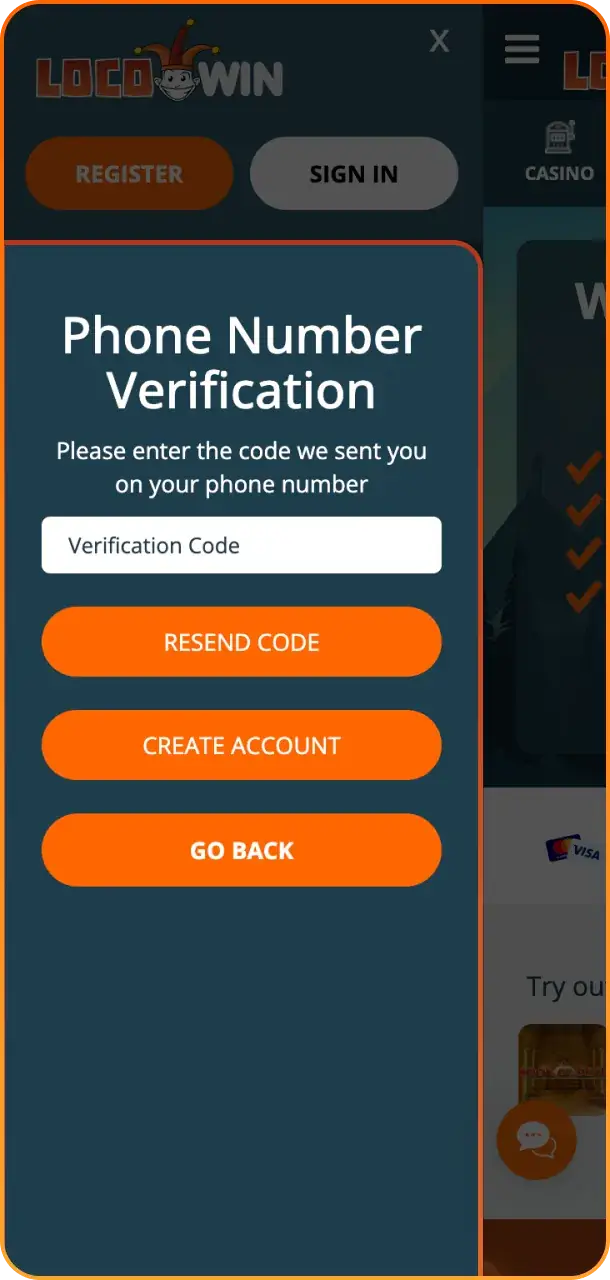
Complete Registration
If LocoWin sends an SMS code to your phone number, enter it in the relevant field and the account is created.
Registration Bonus Available at LocoWin
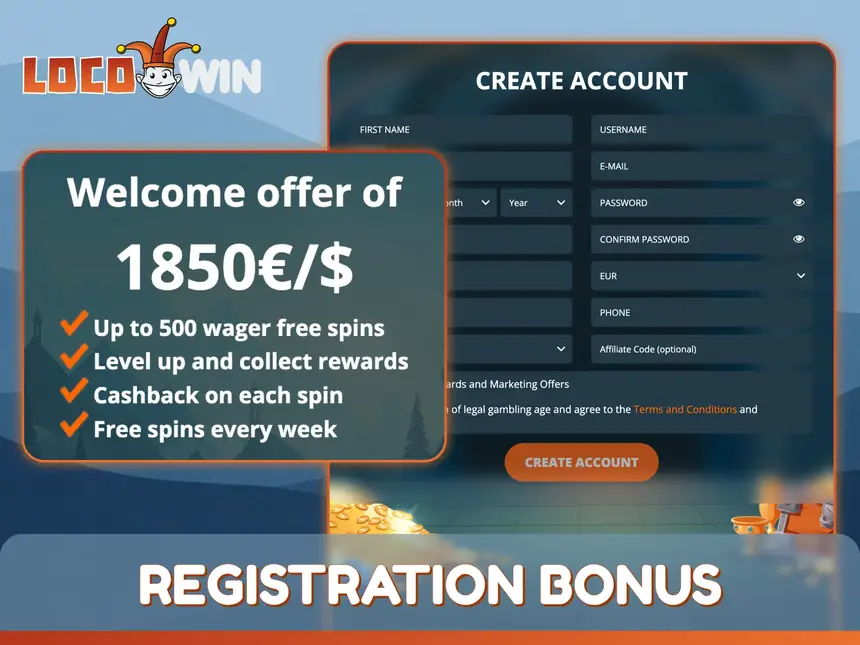
New LocoWin customers can claim a welcome bonus worth +410% across their first 5 deposits, up to €1,850 + up to 500 FS in total.
- First deposit: +100% up to €350 + up to 100 FS;
- Second deposit: +85% up to €350 + up to 100 FS;
- Third deposit: +75% up to €400 + up to 100 FS;
- Fourth deposit: +50% up to €400 + up to 100 FS;
- Fifth deposit: +100% up to €350 + up to 100 FS.
Free spins per deposit: 35 FS for €20–50, 70 FS for €50.01–100, 100 FS for deposits above €100. Free-spin winnings are wager-free but capped at €250.
Each deposit bonus carries a 36x wagering requirement on the bonus amount, within 30 days, which is worth checking before you deposit.
Registration Requirements
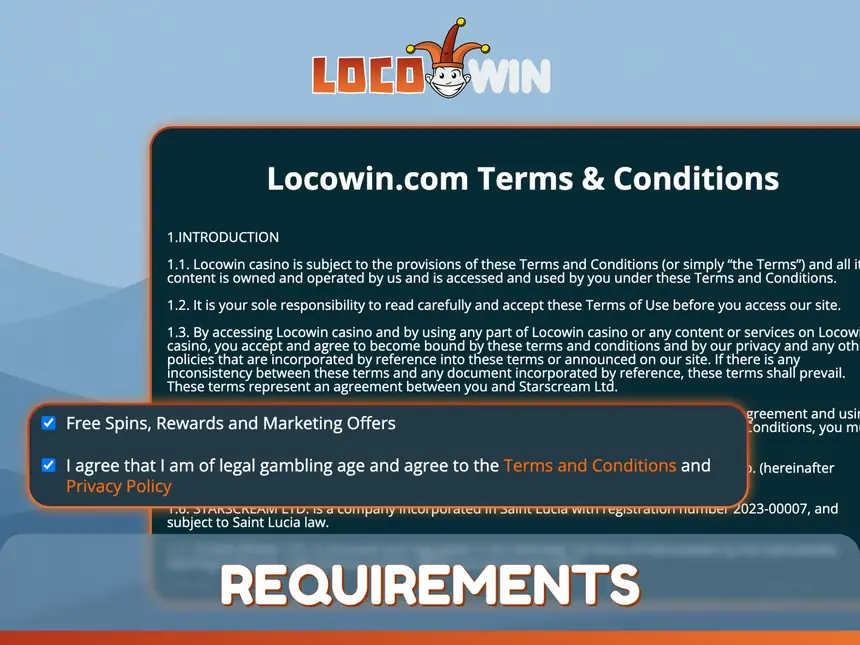
Signing up on the LocoWin website comes with a few rules that every player has to follow:
- Only one account is allowed per player;
- Accounts can be opened by adults only;
- Everything entered during LocoWin registration must be accurate and current;
- Sign-up is possible only where gambling or betting is not banned in the player’s country of residence; LocoWin does not accept players from the countries listed in its T&C, including the United Kingdom and the USA;
- A phone number is required to create an account;
- Breaking LocoWin’s rules can lead to the account being blocked.
LocoWin Login – Safe and Simple Access
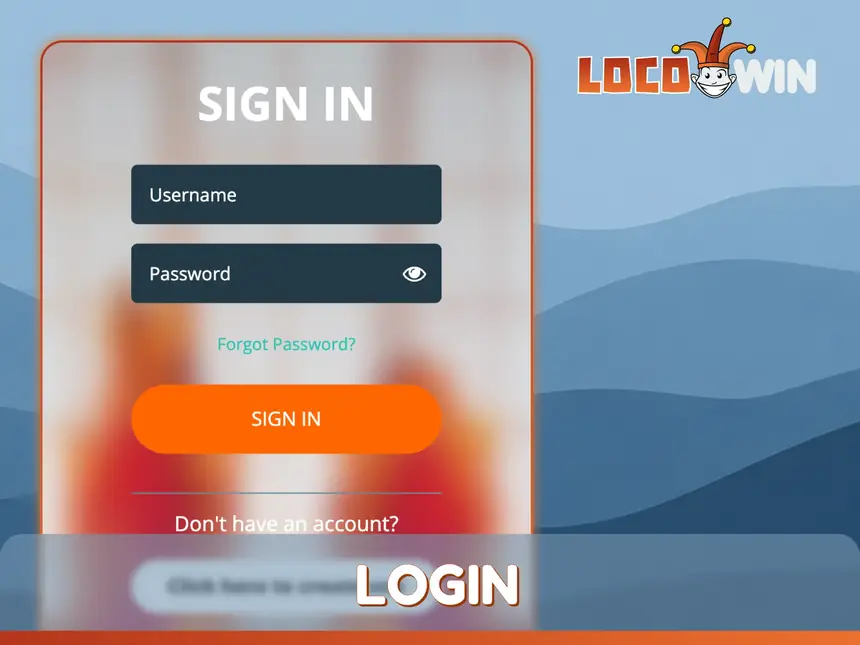
Once registration is complete, each player has a login and password for their account. Signing in works like this:
- Open the LocoWin website through the link in this review.
- Press the ‘Sign In’ button.
- Type your username into the first field and your password into the second.
- Press the button at the bottom of the login form to finish.
Need Help with Login or Registration?
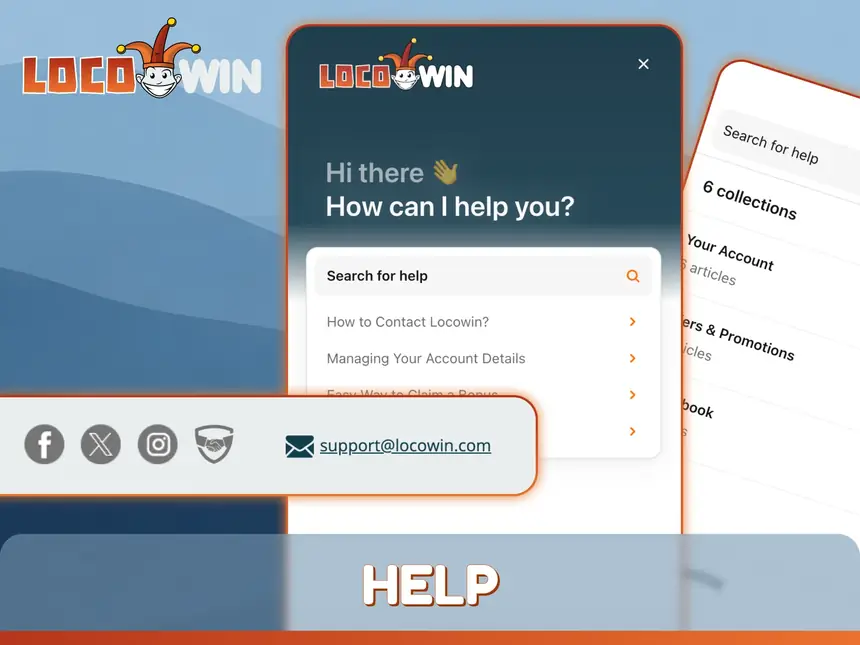
Problems with LocoWin registration or verification can be raised with customer support, which is available through these channels:
- Live chat on the website;
- Email: support@locowin.com.
The casino does not publish its opening hours. Support also handles any other issues with LocoWin services and can give advice on gambling and betting questions.
How to Delete Your LocoWin Account
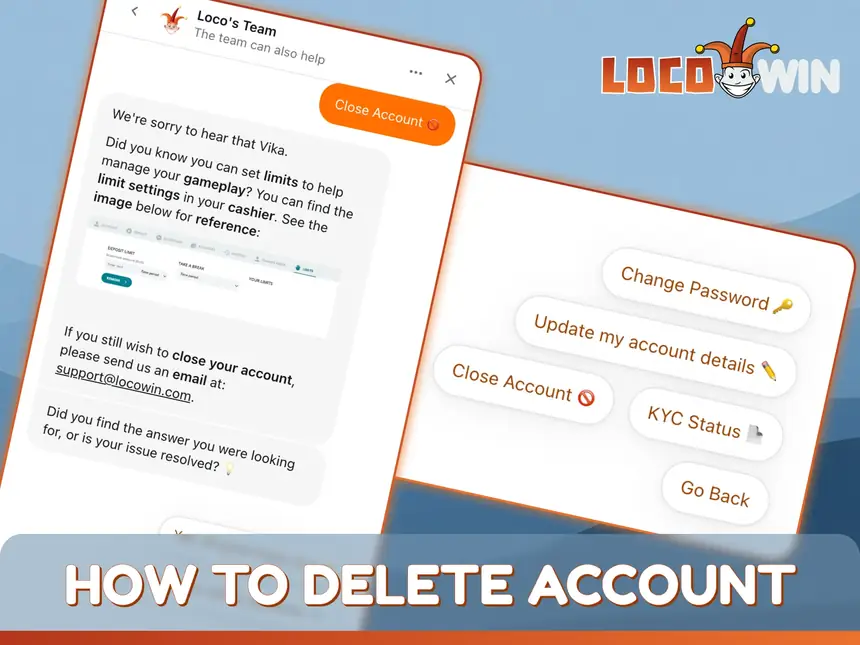
Any LocoWin customer can close their account on request. The process looks like this:
- Get in touch with technical support by live chat or email.
- Say that you want your account deleted.
- Confirm the request in writing (T&C 2.26).
- Wait for support to confirm the closure.
Once this is done, the account is closed and can no longer be used to log in.
FAQ
Is It Free to Register at LocoWin?
Yes, opening a LocoWin account costs nothing. A deposit is needed only when you want to play casino games or place bets.
How Can I Log In to My LocoWin Account?
Press the login button on the LocoWin website, enter your username and password, and then click ‘Sign In’.
Can I Log In from My Mobile Phone?
Yes, the mobile version of the LocoWin website is open to every player. The login steps are identical; only the interface looks different.
What Should I Do if I Forgot My Password?
Press the login button and choose ‘forgot password?’, then enter the email address used at registration. LocoWin will email you a link for setting a new password.
Can I Have More than One Account?
No, only one registered account is allowed per player. Breaking this rule can lead to a permanent ban from the LocoWin website.